Click any part
The camera flies to it and a panel explains what it does, with specs and a button to ask about it.
Interactive Equipment Explainer
We turn your CAD or product model into a 3D explainer that runs in any browser. Buyers click a part to learn what it does, look inside with X-ray and section views, take it apart and watch it run. The same build works on your website, a sales rep's tablet and your trade-show screen.
Live demo
Pick a scenario and the live demo opens a product set up for it. Everything runs in your browser, nothing to install.
Numbered parts, X-ray, section and exploded views, a guided walkthrough and live operating parameters.
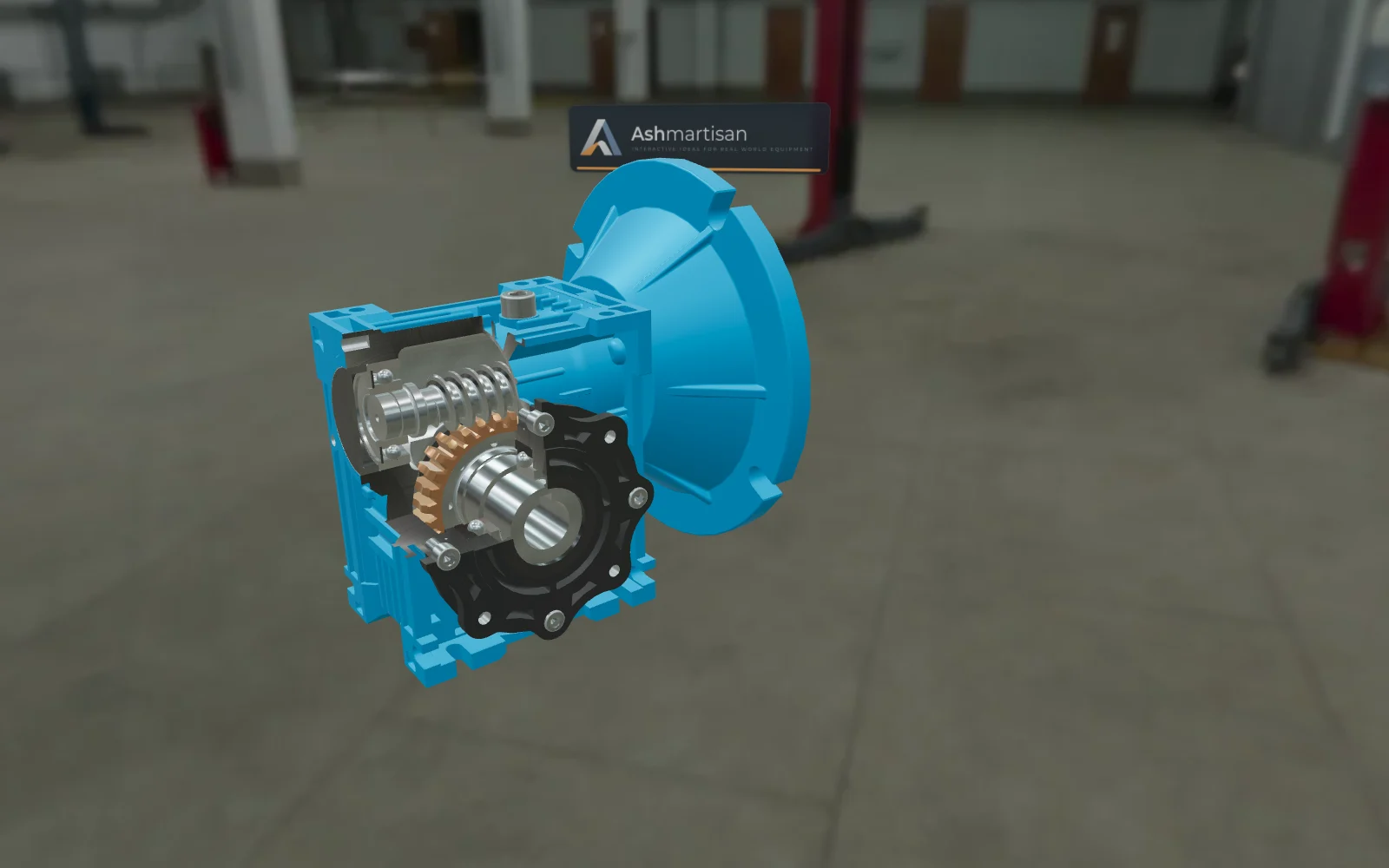
Shown with the Worm Gear ReducerOpen this demo ↗Trade-show standPresents by itself when nobody is touching it, hands over when someone does, and visitors scan a QR code to take it home.
Shown with the Turbofan EngineOpen this demo ↗A website you already haveOne block on an existing product page that loads only when clicked. Shown inside a sample shop page, with the code to copy.
Shown with the 203 mm Floating Brake RotorOpen this demo ↗The problem
Buyers who don't understand the mechanism end up comparing on price. Datasheets list numbers; they rarely show why your design is better.
A video plays the same for everyone. A buyer can't stop at the part they care about, look inside it or ask about it.
Visitors take a flyer and walk on. You don't know what caught their interest, and most never get in touch.
The product
The Interactive Equipment Explainer is built for mechanical products: assemblies with parts that move, mesh, clamp or spin.
The camera flies to it and a panel explains what it does, with specs and a button to ask about it.
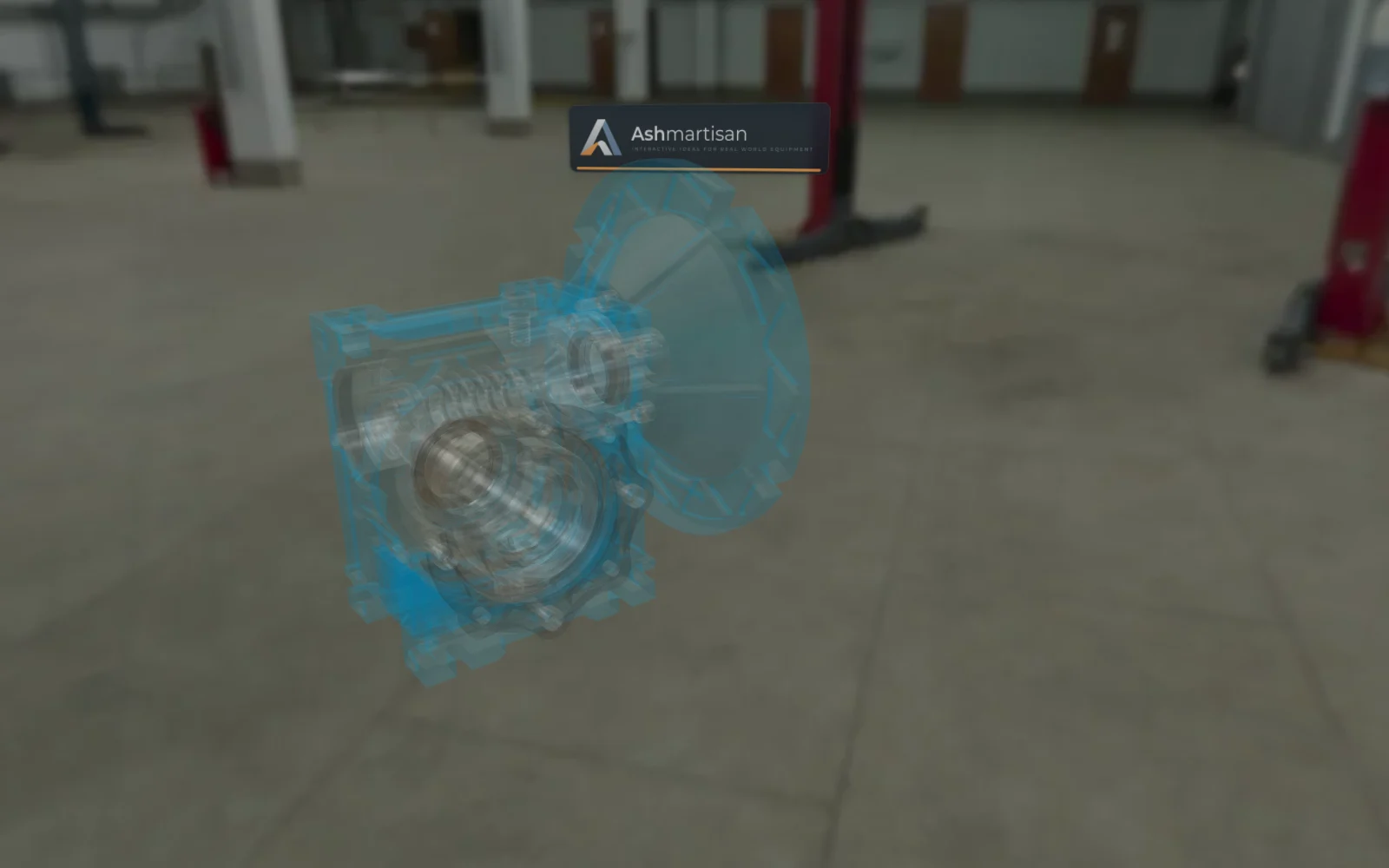
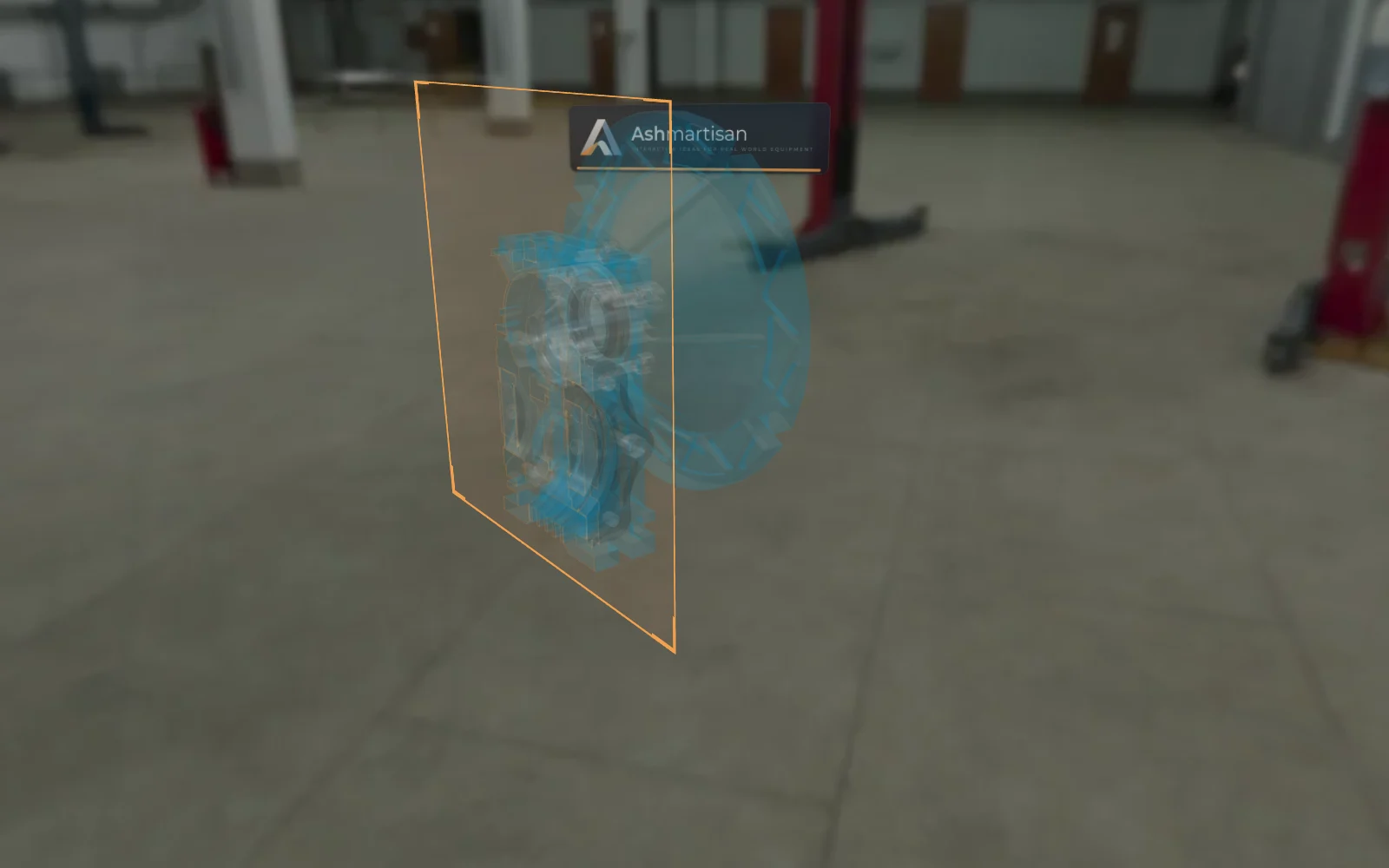
See through the housing, cut it open or switch to a technical-drawing look.
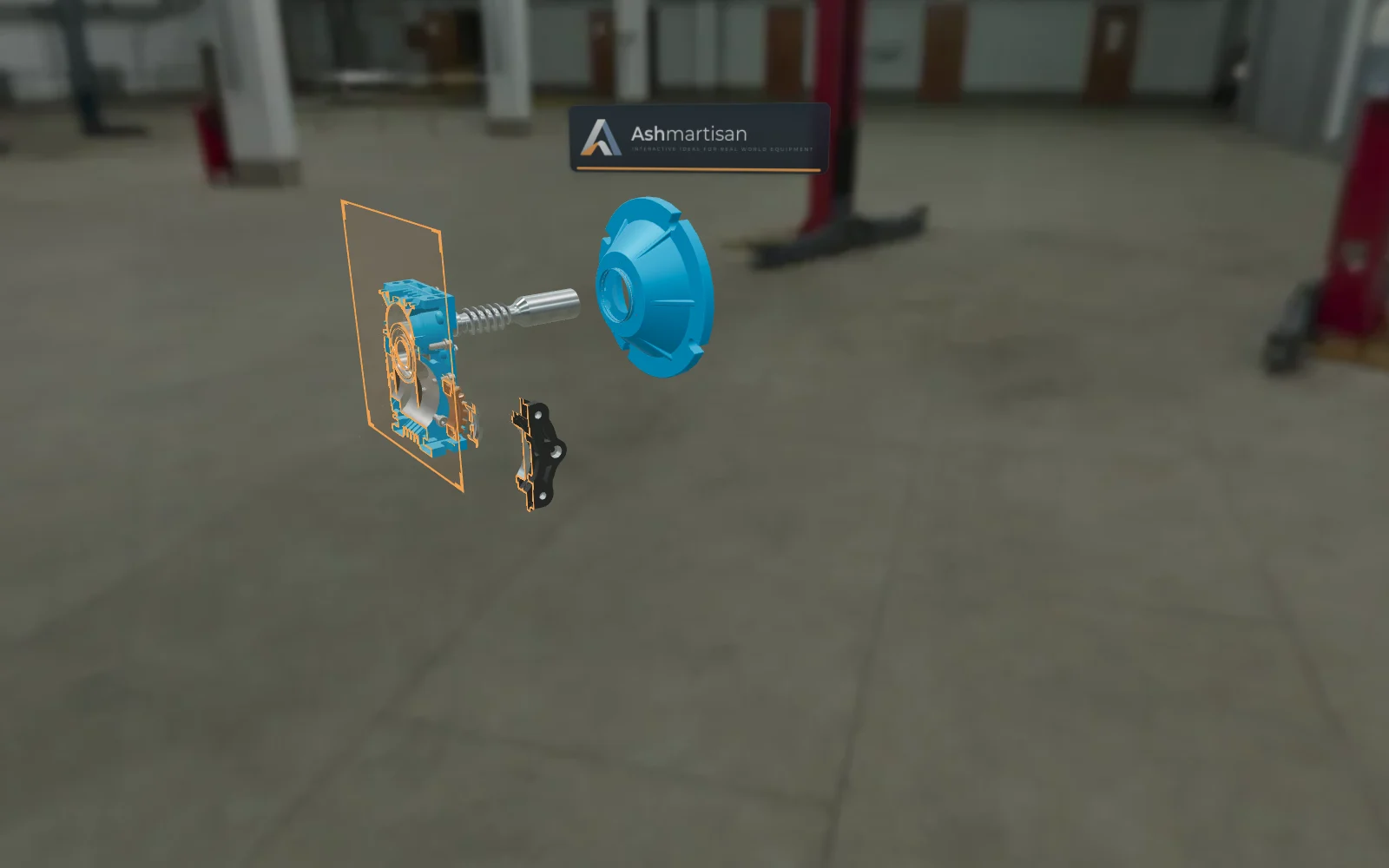
Pull the assembly apart along its real axes, then put it back together step by step.
A captioned sequence shows the working cycle: how the brake clamps, how the reduction works.
Sliders for speed or load, with read-outs that update while the model runs.
Switch RAL colours and finishes so buyers see the configuration they would order.
Every product and part has its own link. Sales can send a buyer straight to the right detail.
Speak your buyers' language: Spanish and more. Adding a language means adding text, not code.
Showcase
These are working demos on the Explainer. Switch views here, or load the live 3D and drive it yourself.
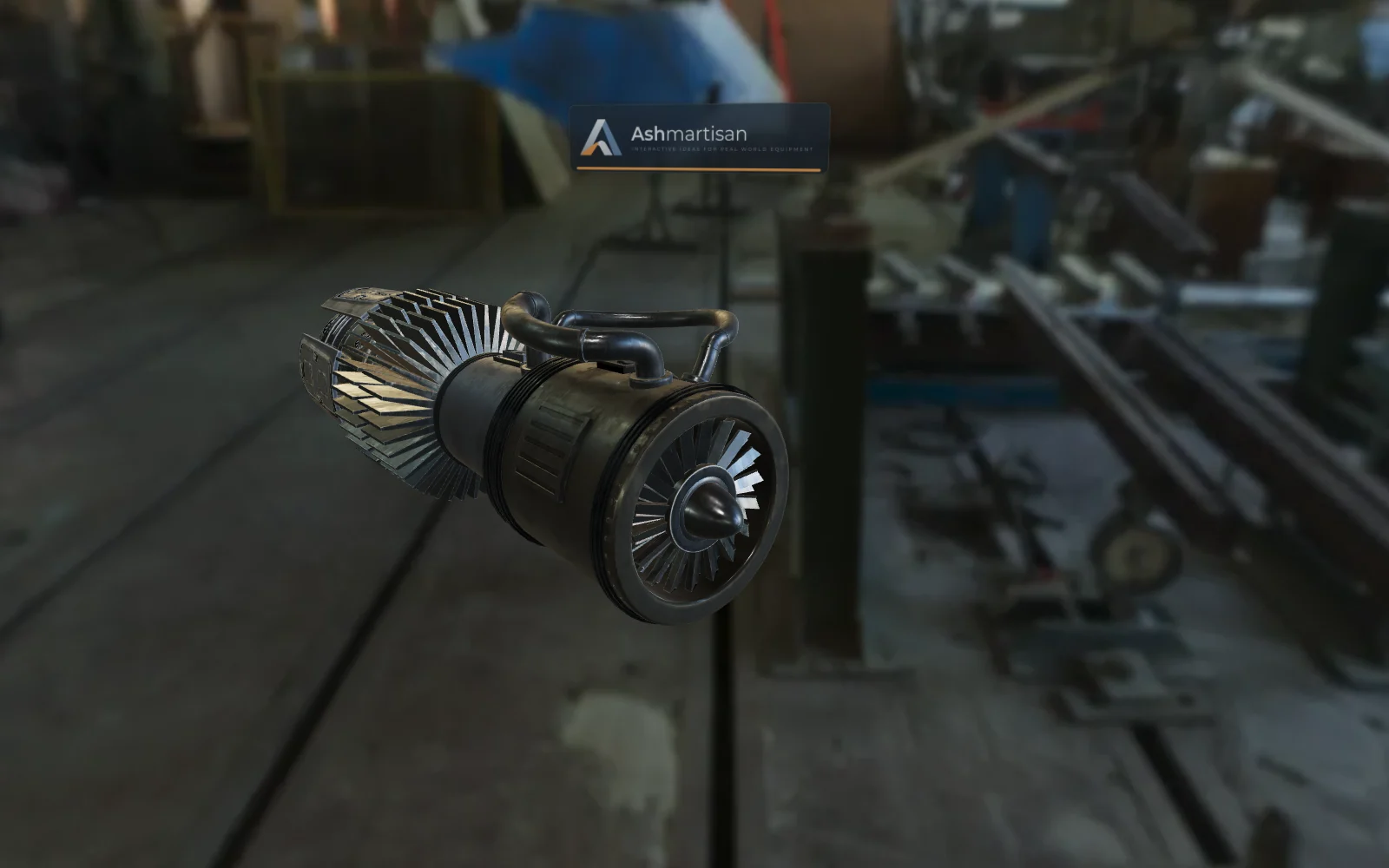
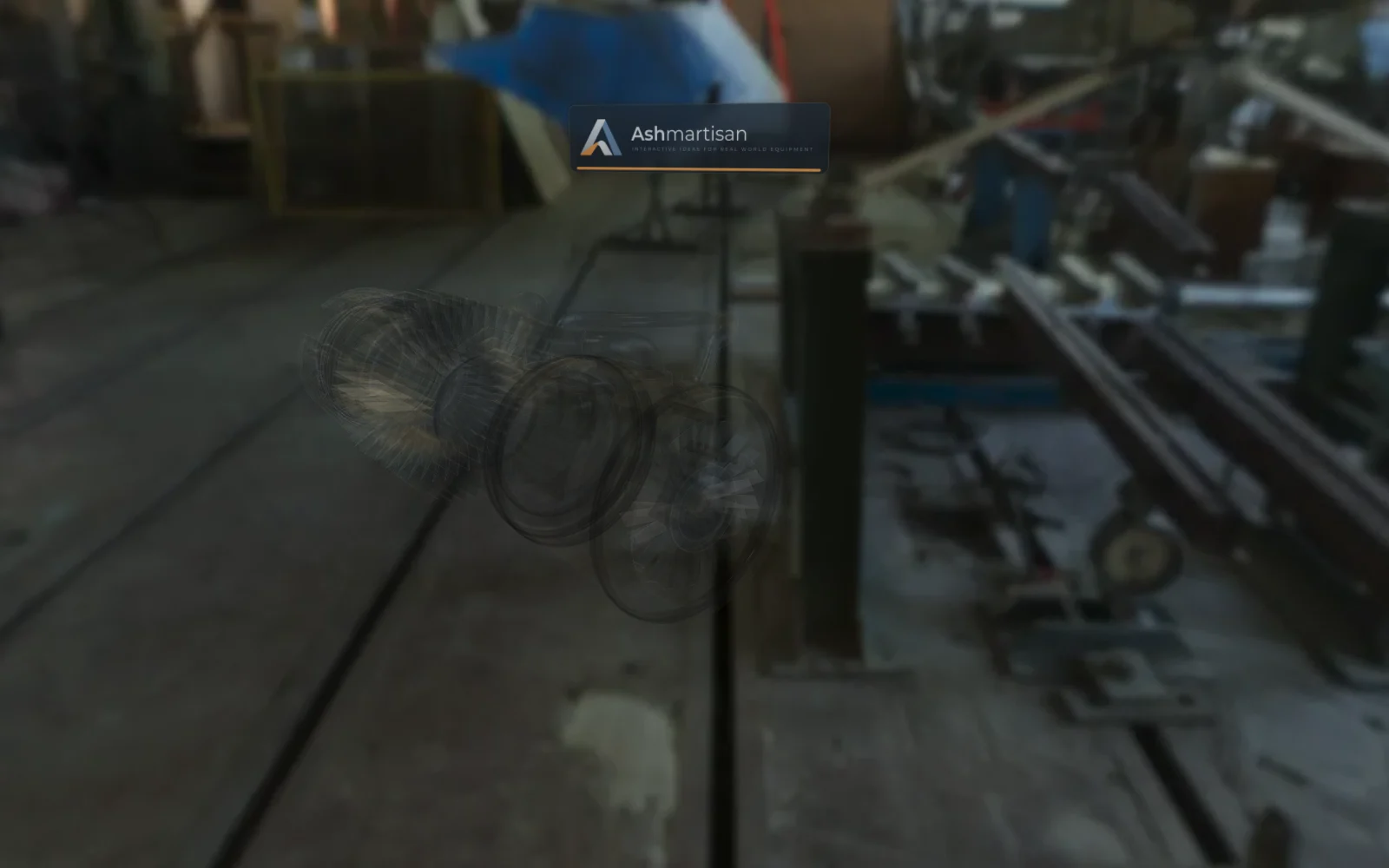
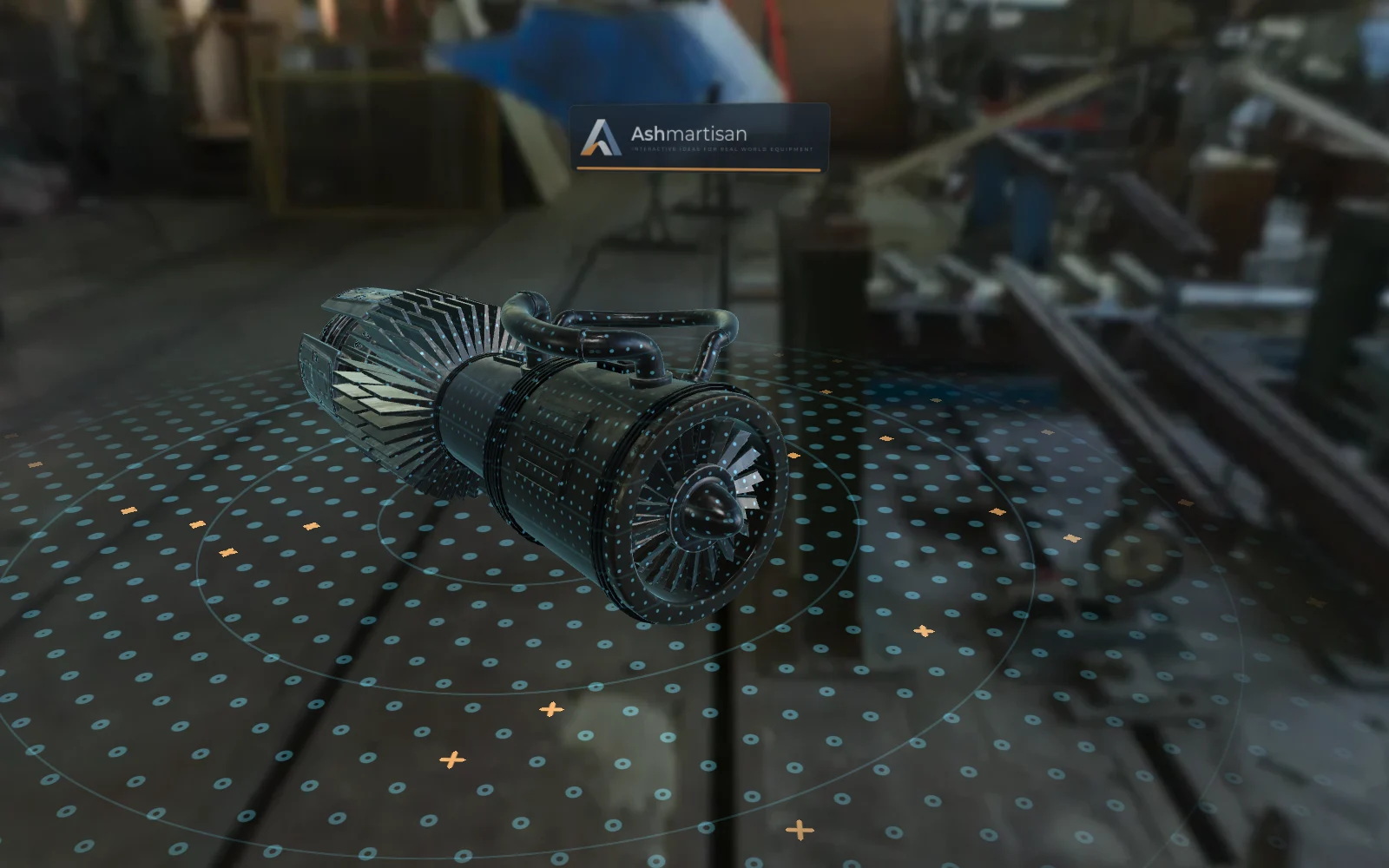
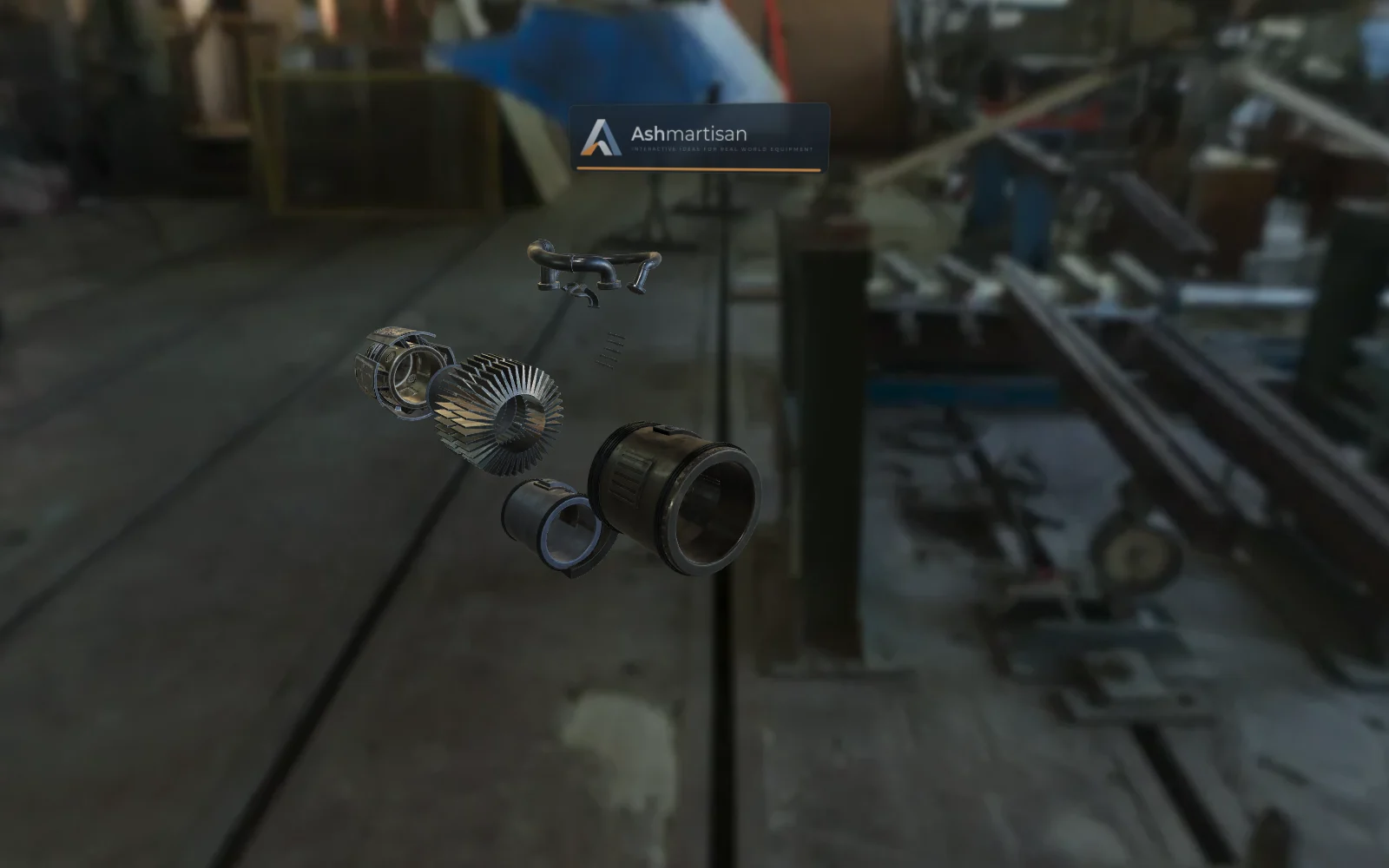
The full working cycle as a walkthrough, spinning rotors, a scan view and an axial exploded view.
Loads 2–6 MB of 3D data. Renders captured from the live product.
"Jet Engine" by vertexmonster (Sketchfab Standard)
Cut-away housing, worm and wheel turning together, a walkthrough of the reduction ratio and self-locking, and an exploded view.
Loads 2–6 MB of 3D data. Renders captured from the live product.
"Warm Gearbox" by T-FLEX CAD ST (CC BY 4.0)
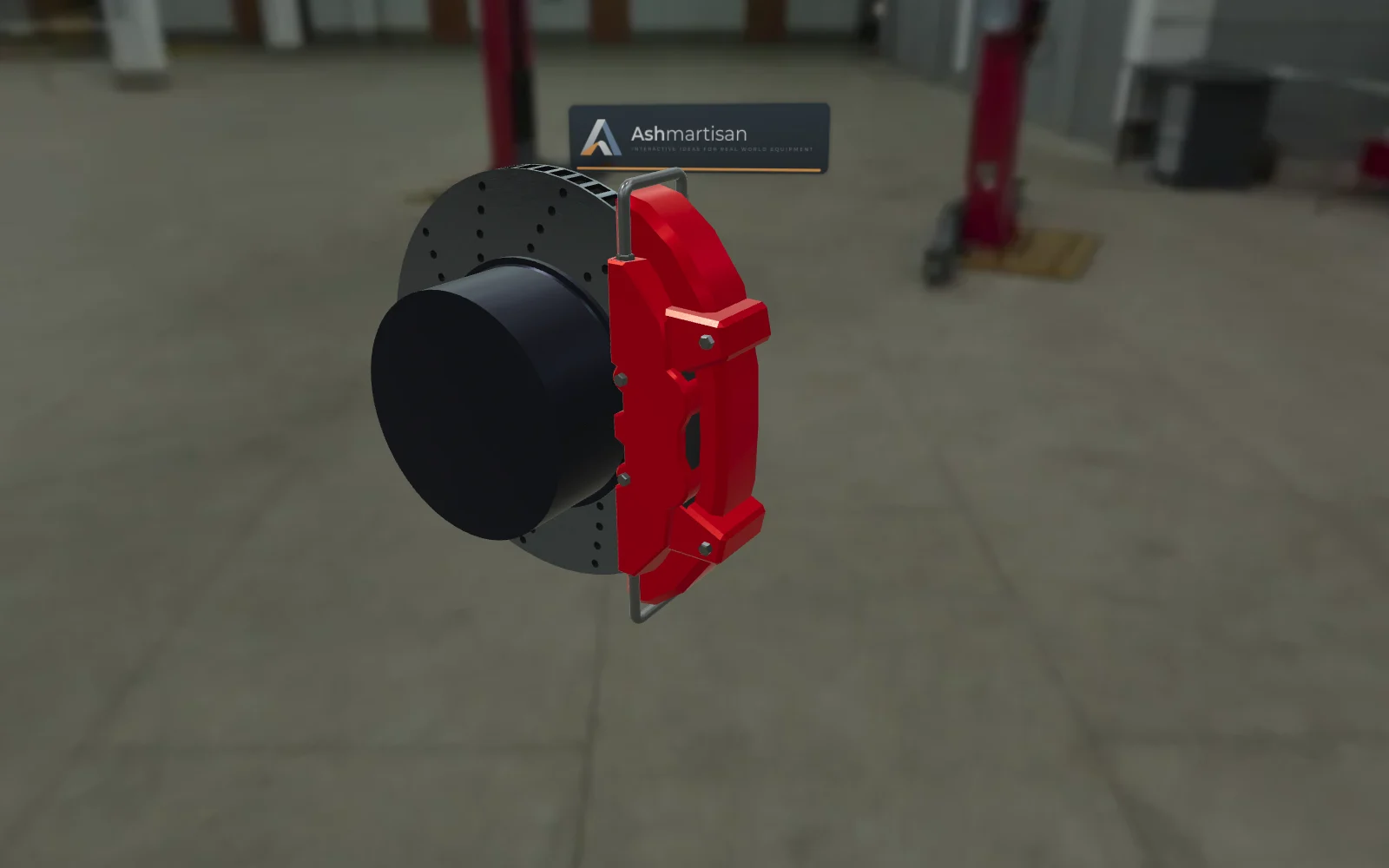
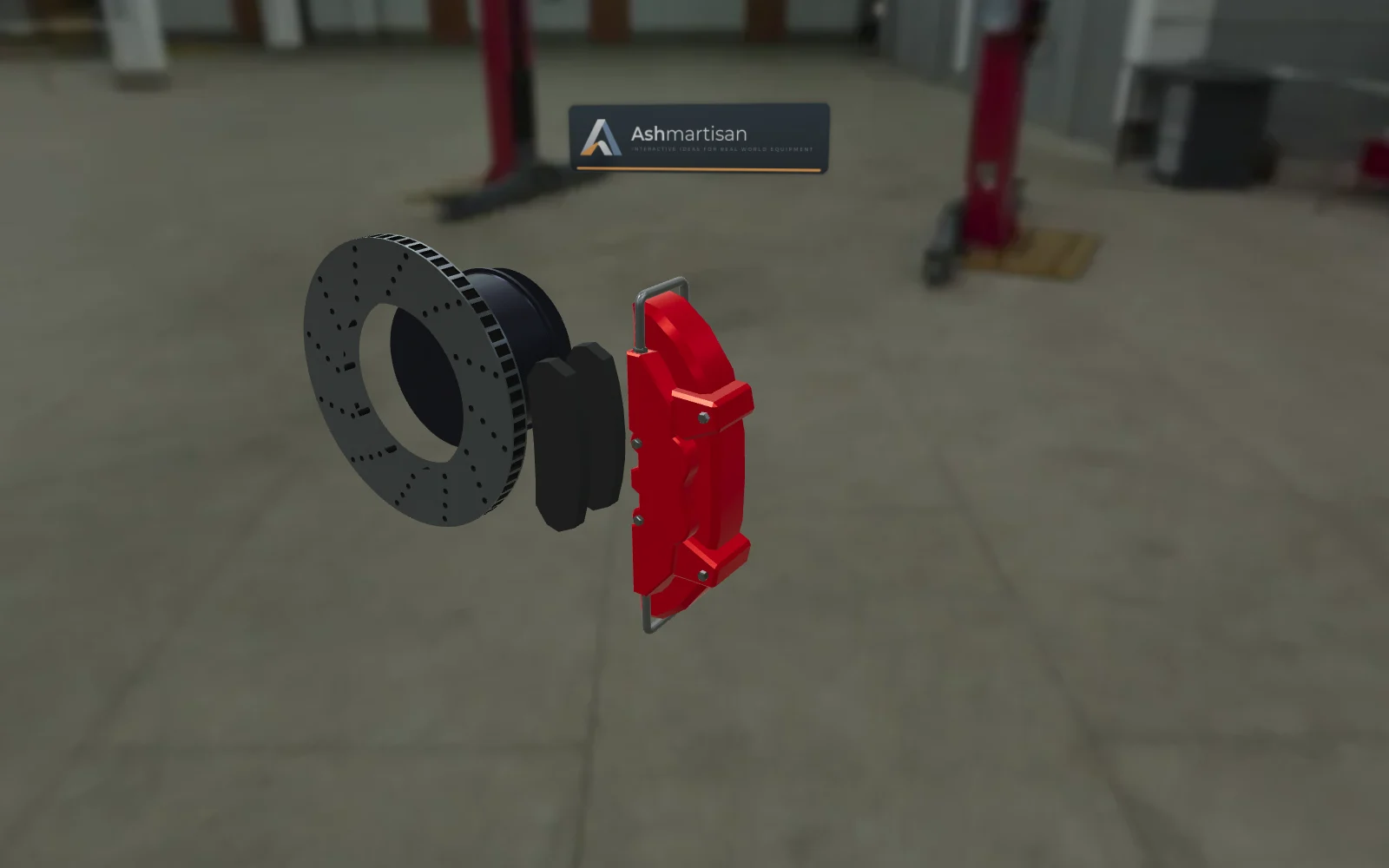
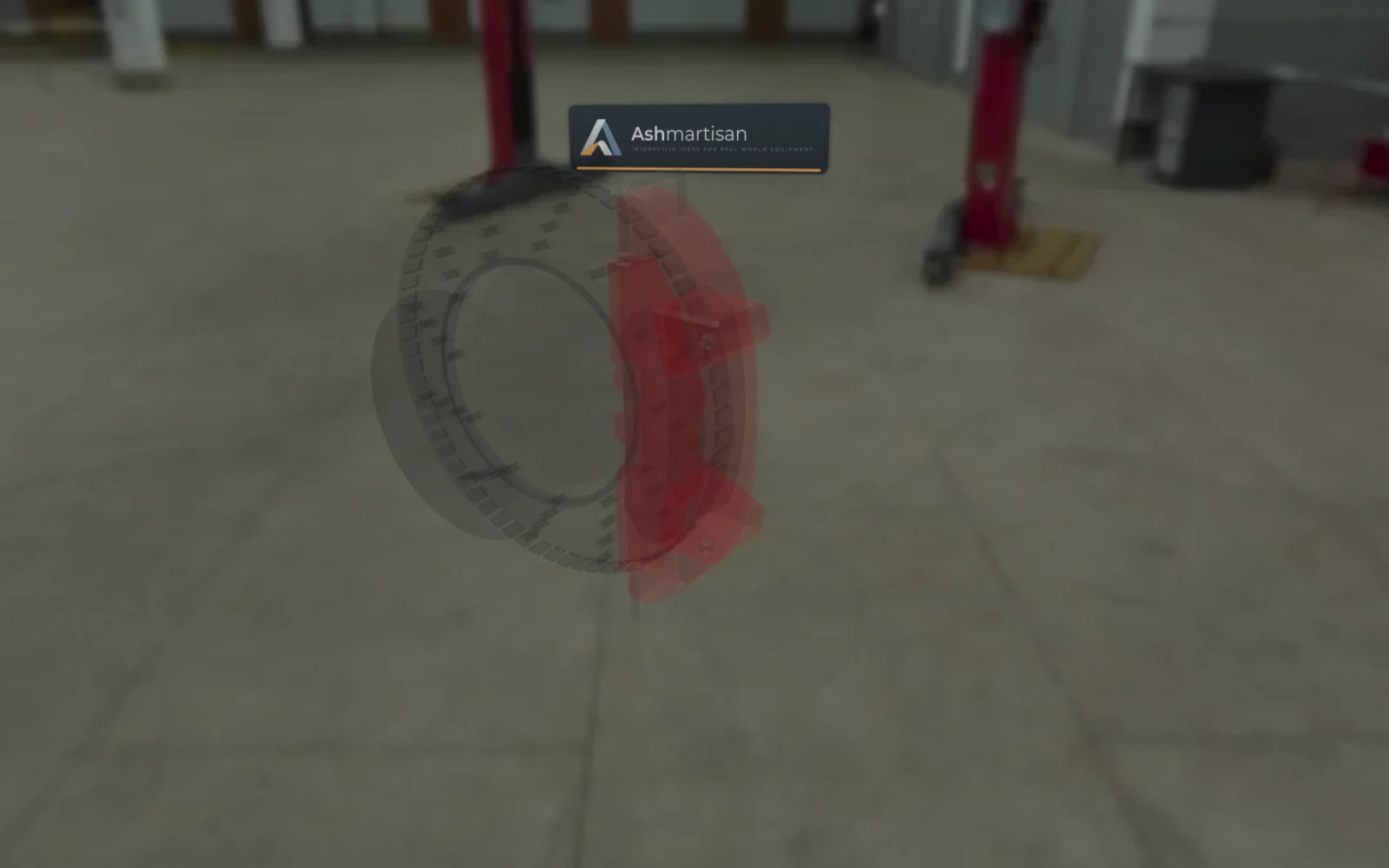
The caliper clamping the disc, how the vented disc sheds heat, live parameters, colour options and a step-by-step assembly.
Loads 2–6 MB of 3D data. Renders captured from the live product.
"Car Disc Brake" by Joko_P (CC BY 4.0)
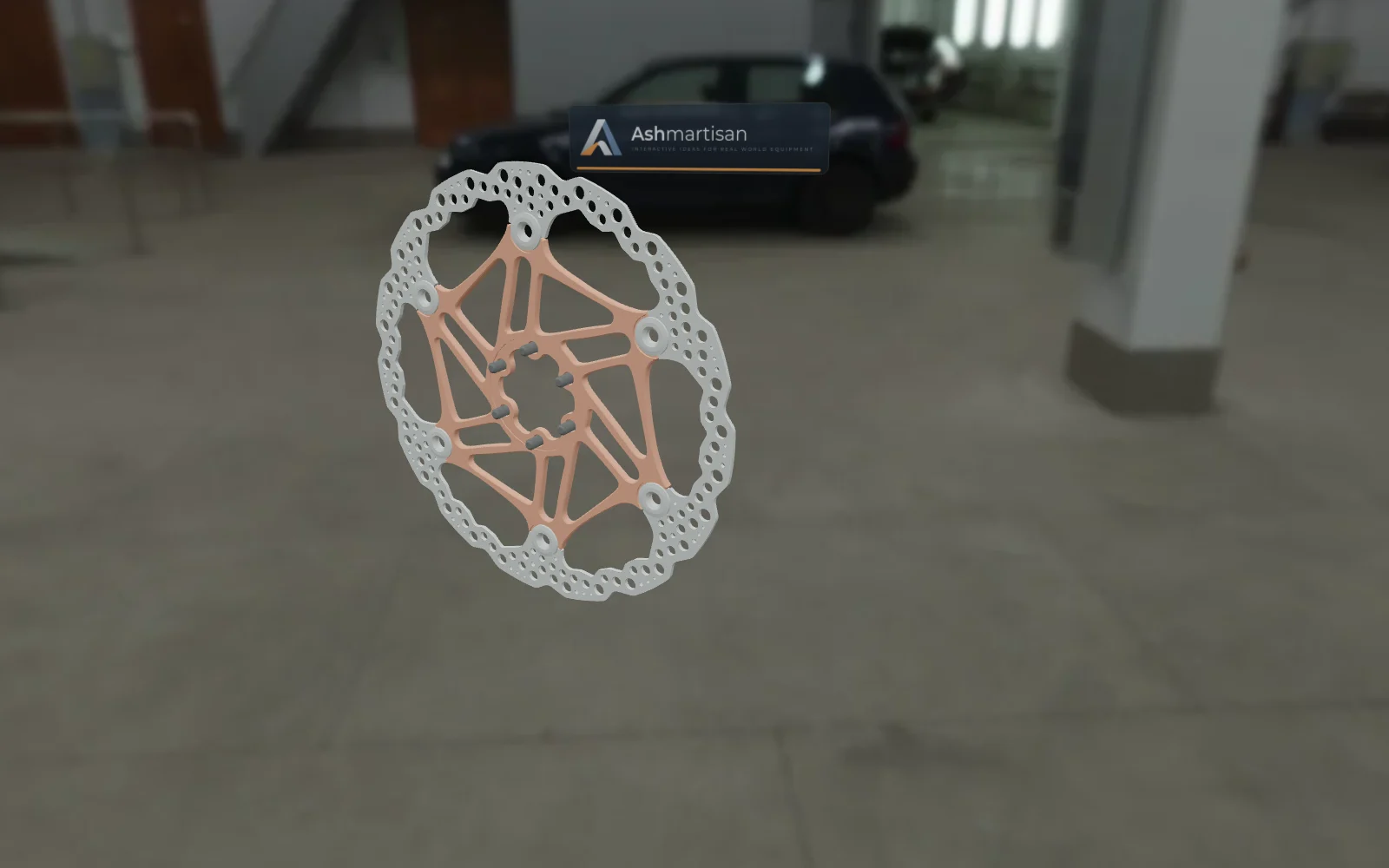
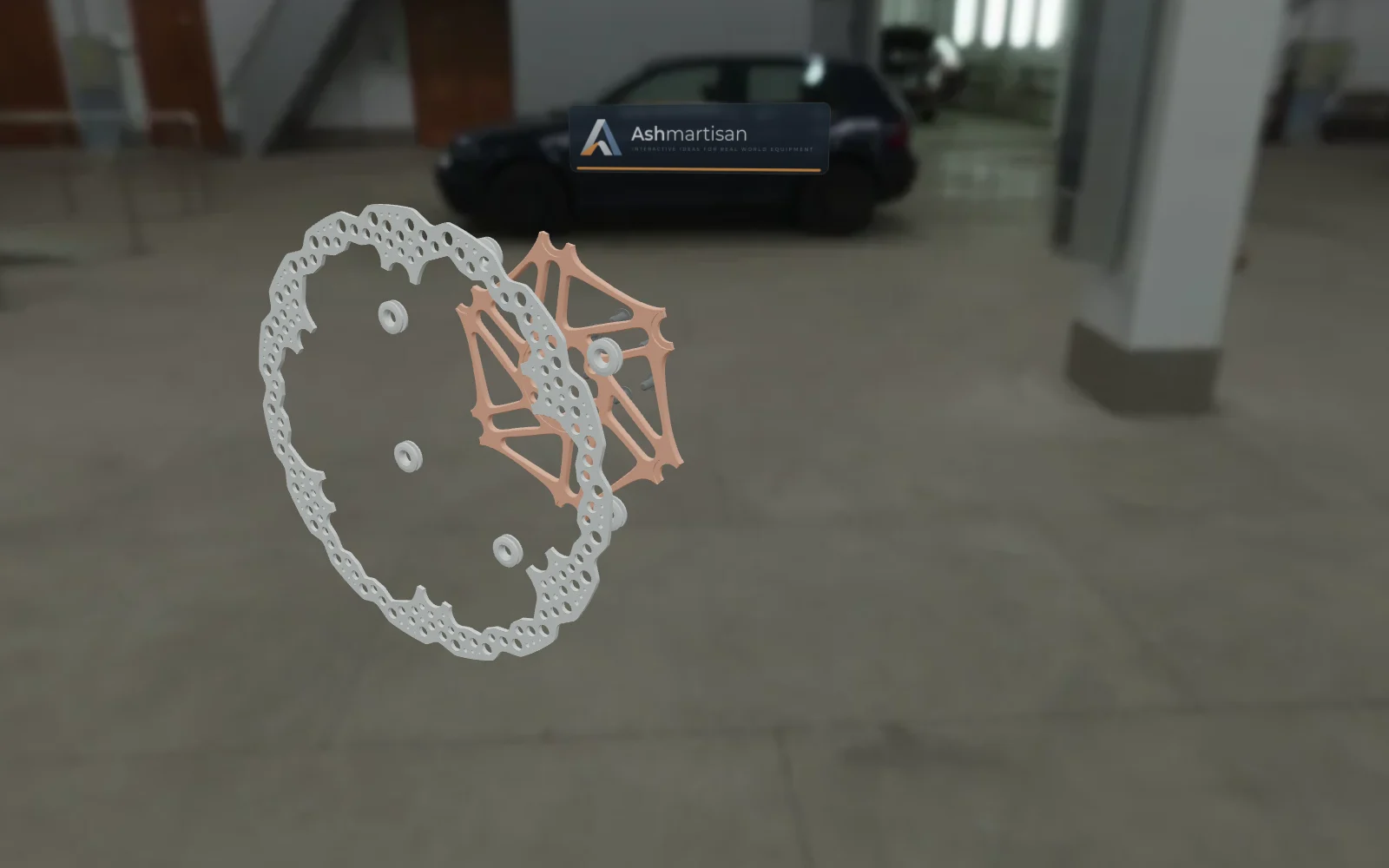
How a two-piece floating rotor is built, shown layer by layer.
Loads 2–6 MB of 3D data. Renders captured from the live product.
"Bicycle Disc Brake Rotor Hope 203mm V4" by AndRay (Sketchfab Standard)
Trade shows
Switch on kiosk mode and the screen plays the walkthroughs by itself. When someone touches it, it stops and hands over control. When they walk away, it starts again.
Cycles through every product's walkthrough and stops the moment someone touches the screen.
The code on screen follows the product and part on display. Visitors scan it and the same view opens on their phone.
The offline build carries its models, lighting and fonts. A poor venue connection doesn't stop the demo.
Each visitor session is recorded: how long they stayed and which products and parts they looked at.
Enquiries
Each enquiry comes with a summary of what the buyer looked at, so sales can answer about the right product and the right part.
Accurate, lightweight models of your products, optimised to load fast on any device.
Parts that move the way the real ones do, controlled by the buyer.
The story of how it works, told part by part, in your buyers' language.
One build for your website, your sales team and your stand.
How it works
CAD exports, an existing 3D model, or photos and drawings if there is no model yet.
We prepare the model for phones, name every part, and write the explanations and walkthroughs with your engineers.
You check the content and the behaviour on your own devices and ask for changes.
Embed it on your website, run it at shows and give sales the links. It can carry your brand instead of ours.
FAQ
Yes. Phones get a lighter version of each model, and the renderer adapts to the device. It is tested on iPhone Safari, where heavy 3D pages often fail.
Yes. The offline build includes every model, lighting file and font. Enquiries and analytics wait in a queue and are sent when the connection comes back.
Yes. The name, logo, colours and the light-box signs in the 3D scene all come from one brand folder, so a white-label build is a configuration change.
It is a static web app: it can run on our hosting, on your server or on any CDN, and it can be embedded in your existing website.
Only an optimised display model reaches the browser, not your engineering files. Products that must not be public can be left out of the public build and shown only at shows or in sales meetings.
It depends on how many products you need and how much each one should do. Tell us about one product and we will come back with a quote.
Who's behind it
I'm a computer graphics engineer in Australia with 9+ years of building for the web, most of it real-time 3D with Babylon.js, Three.js, shaders and Cesium. Ashmartisan is where I build interactive explainers for companies that make and sell equipment.
Contact
Tell us what you make and where you want to show it, and we'll be in touch.