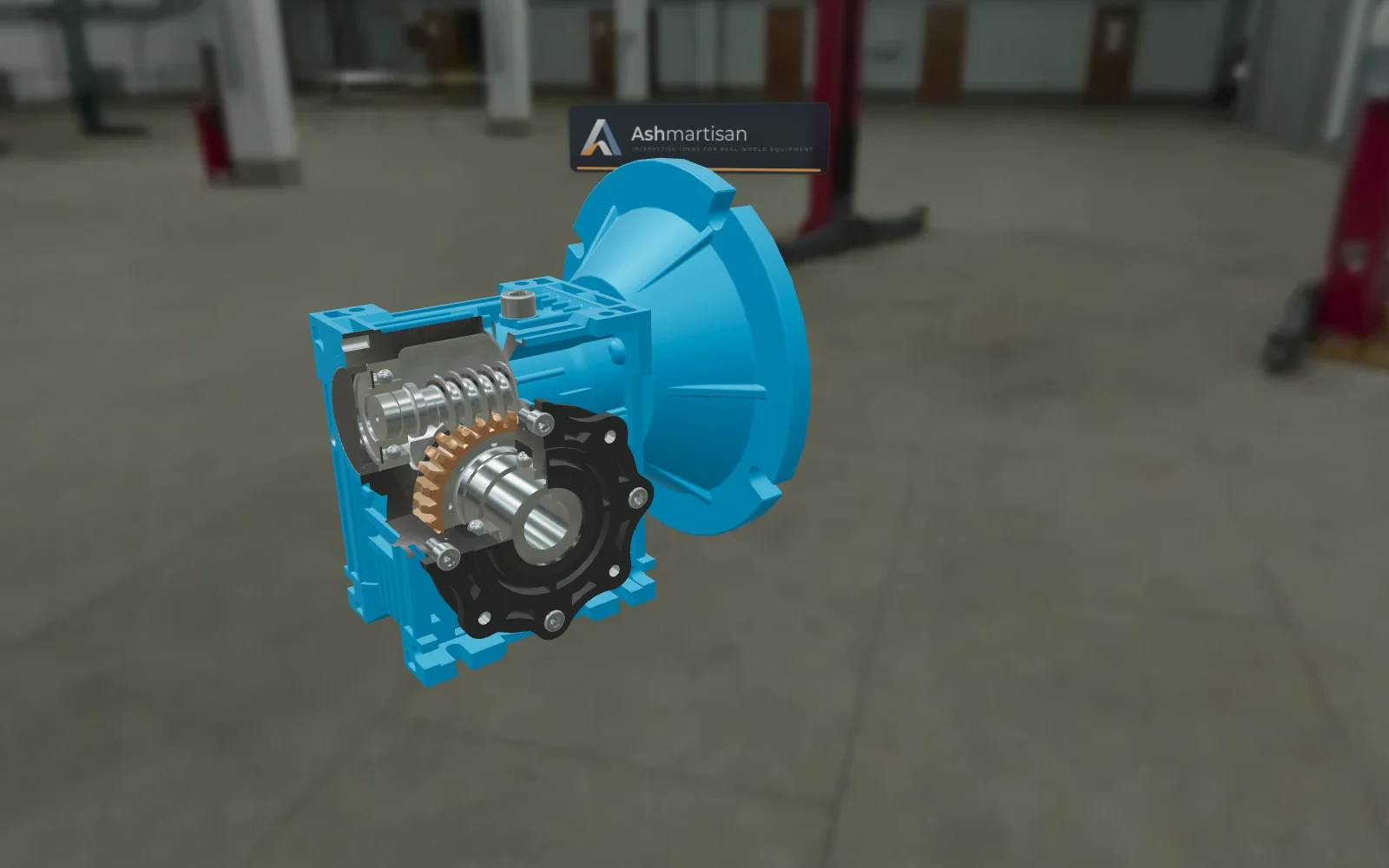
Click a part, learn what it does
Numbered parts open a short explanation and the specifications that matter, with the camera moving to the part.
Product line · Available
Buyers click a part to see what it does, look inside, take the product apart and watch it run, in any browser.
Numbered parts open a short explanation and the specifications that matter, with the camera moving to the part.
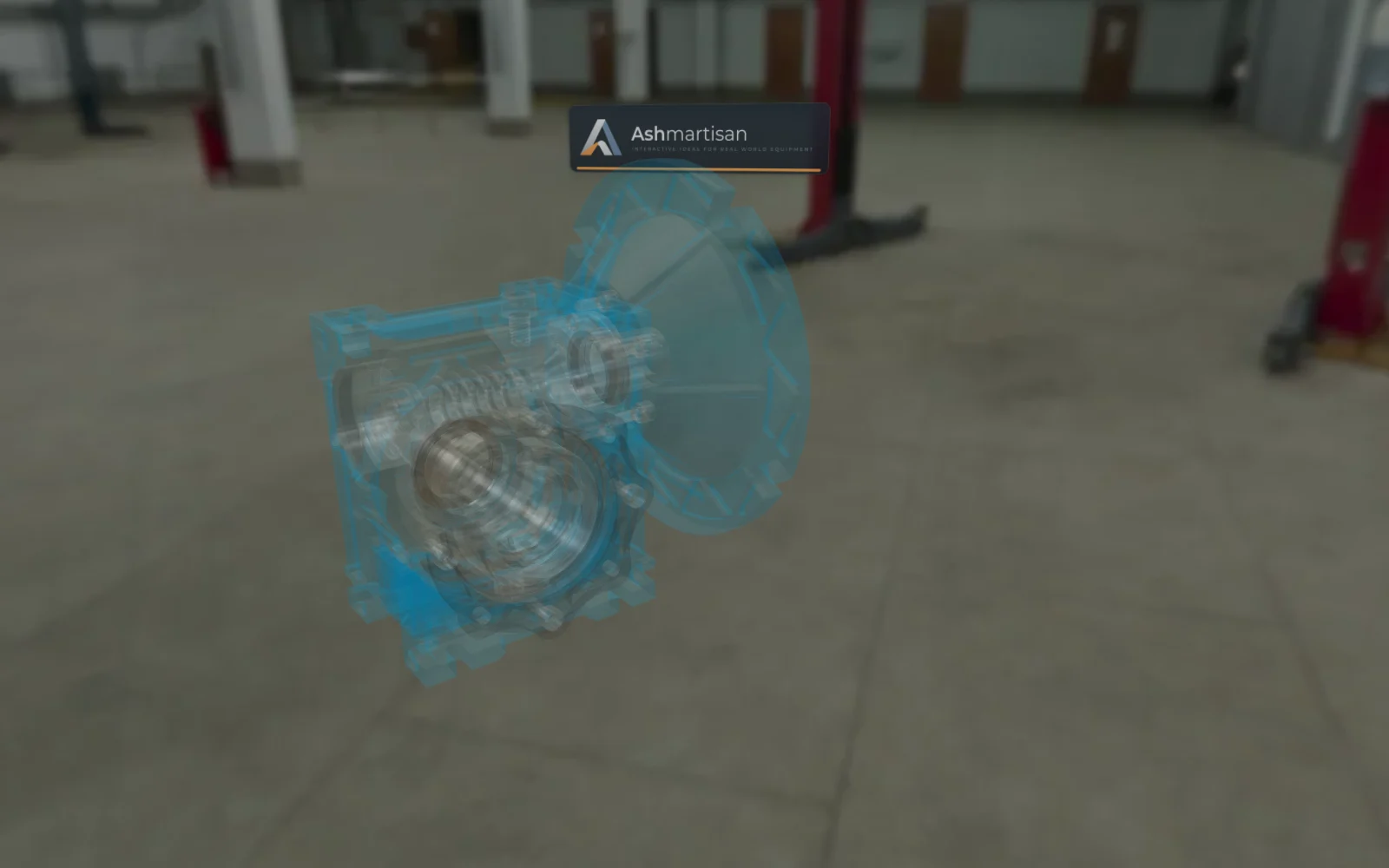
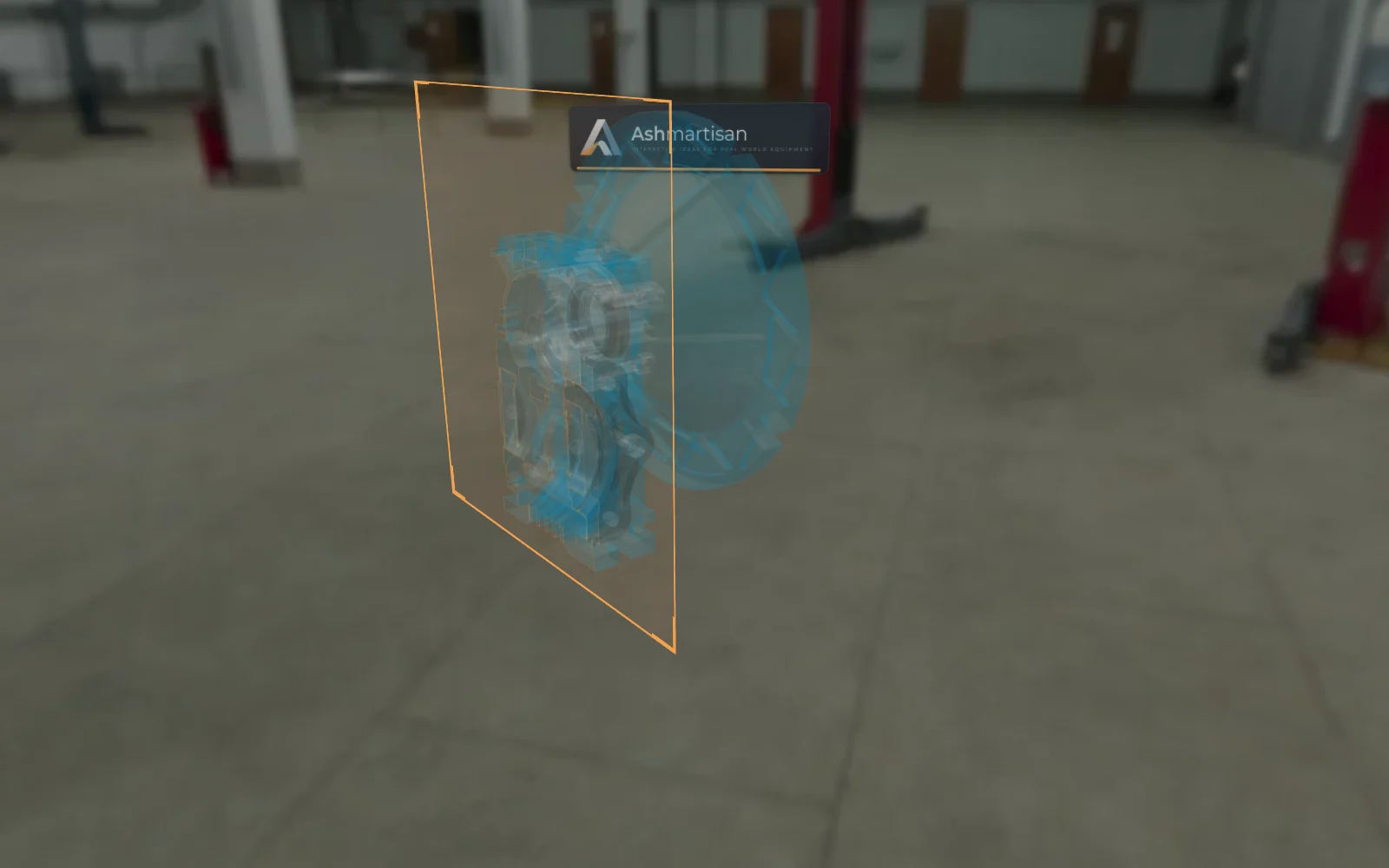
X-ray, section and blueprint views show the internals without a cut-away drawing.
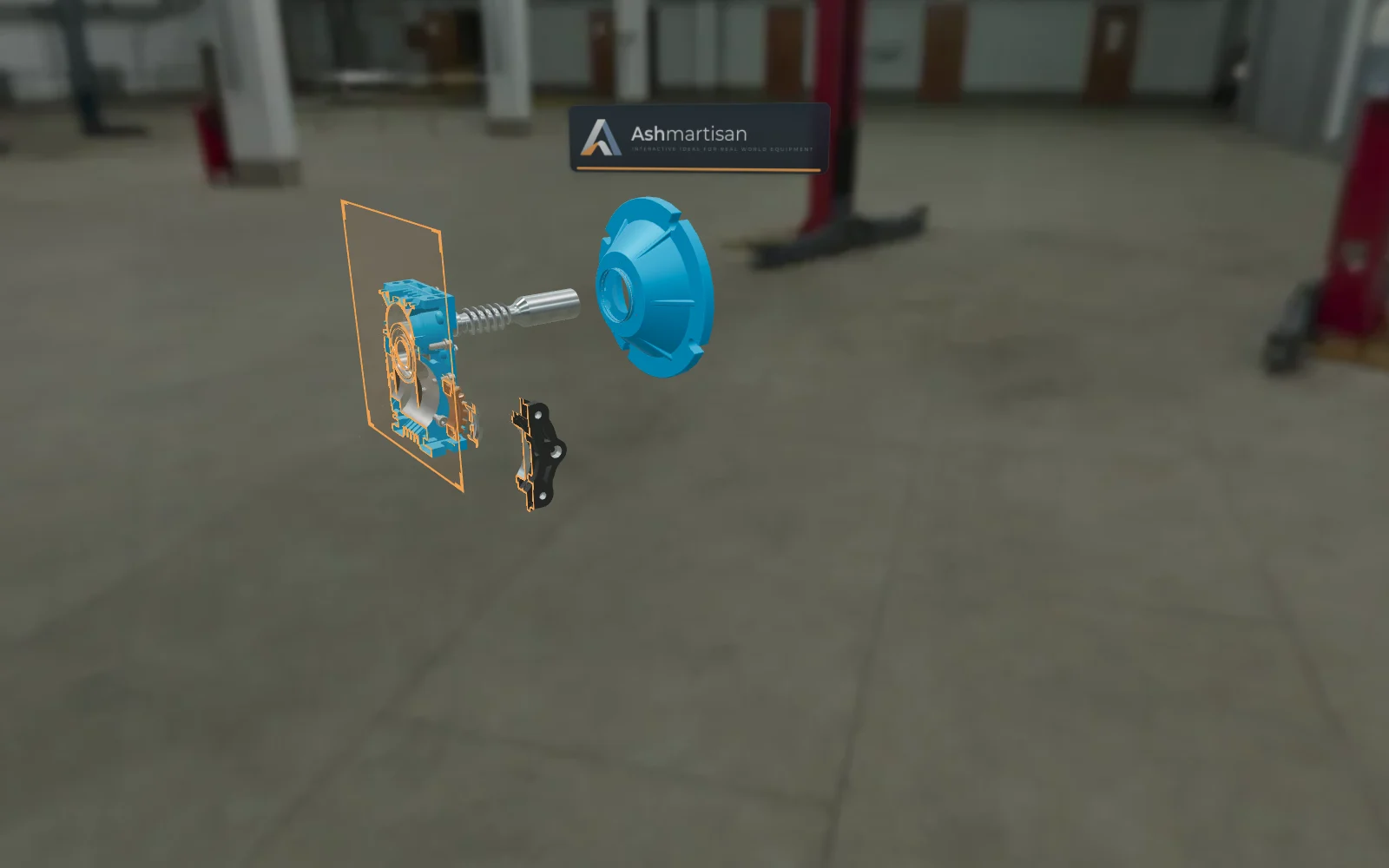
Exploded views and step-by-step assembly show how the parts fit and in which order.
Guided walkthroughs animate the working principle, one step at a time, with captions.
Operating parameters respond live, so buyers see what speed, pressure or ratio change.
"Get a quote" sends your sales team what the buyer looked at, so the first reply can be specific.
Interactive Equipment Explainer
ExploreUnderstand
Configure & request a quote
Configure
Parts & after-sales
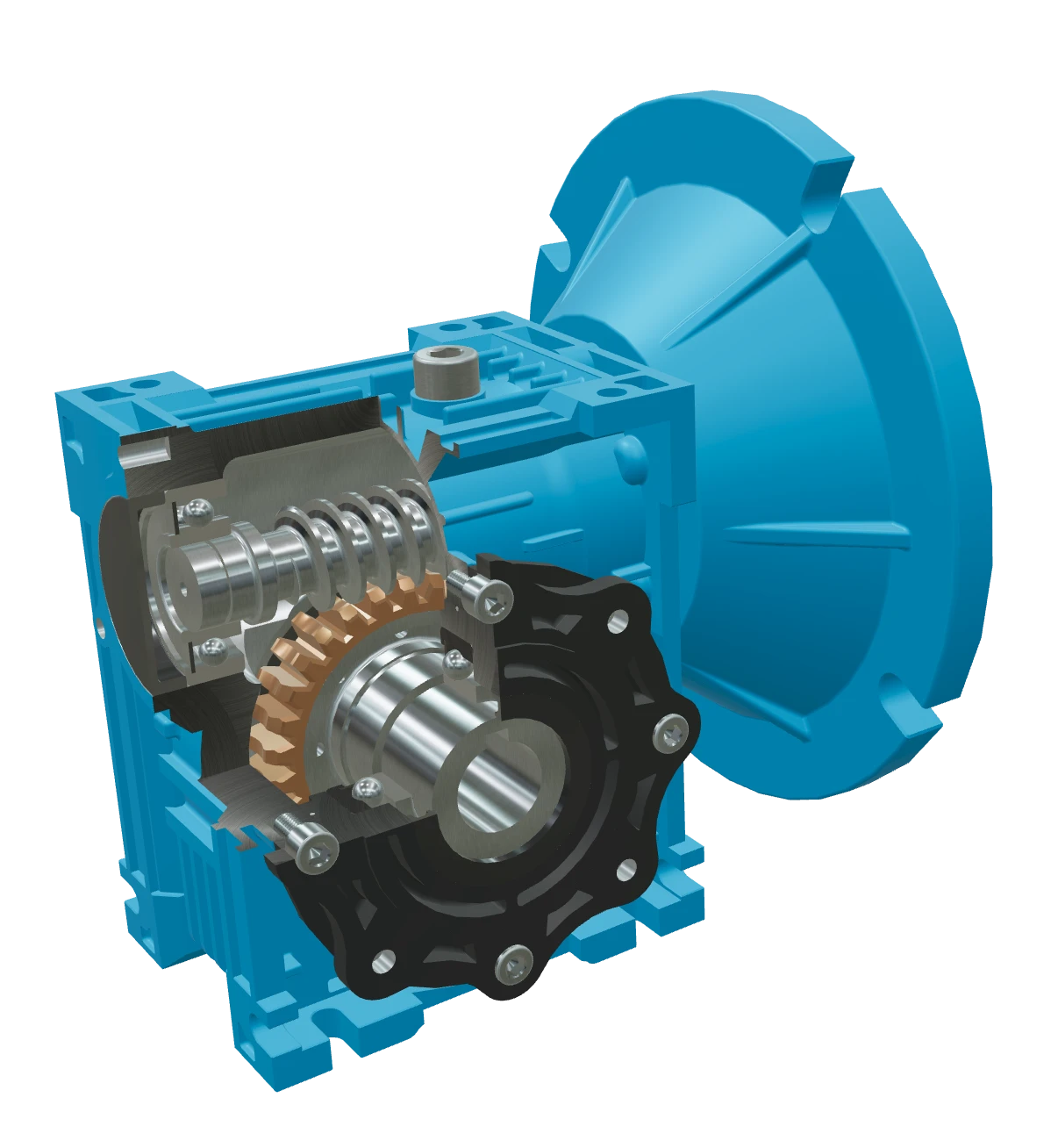 Worm Gear Reducer
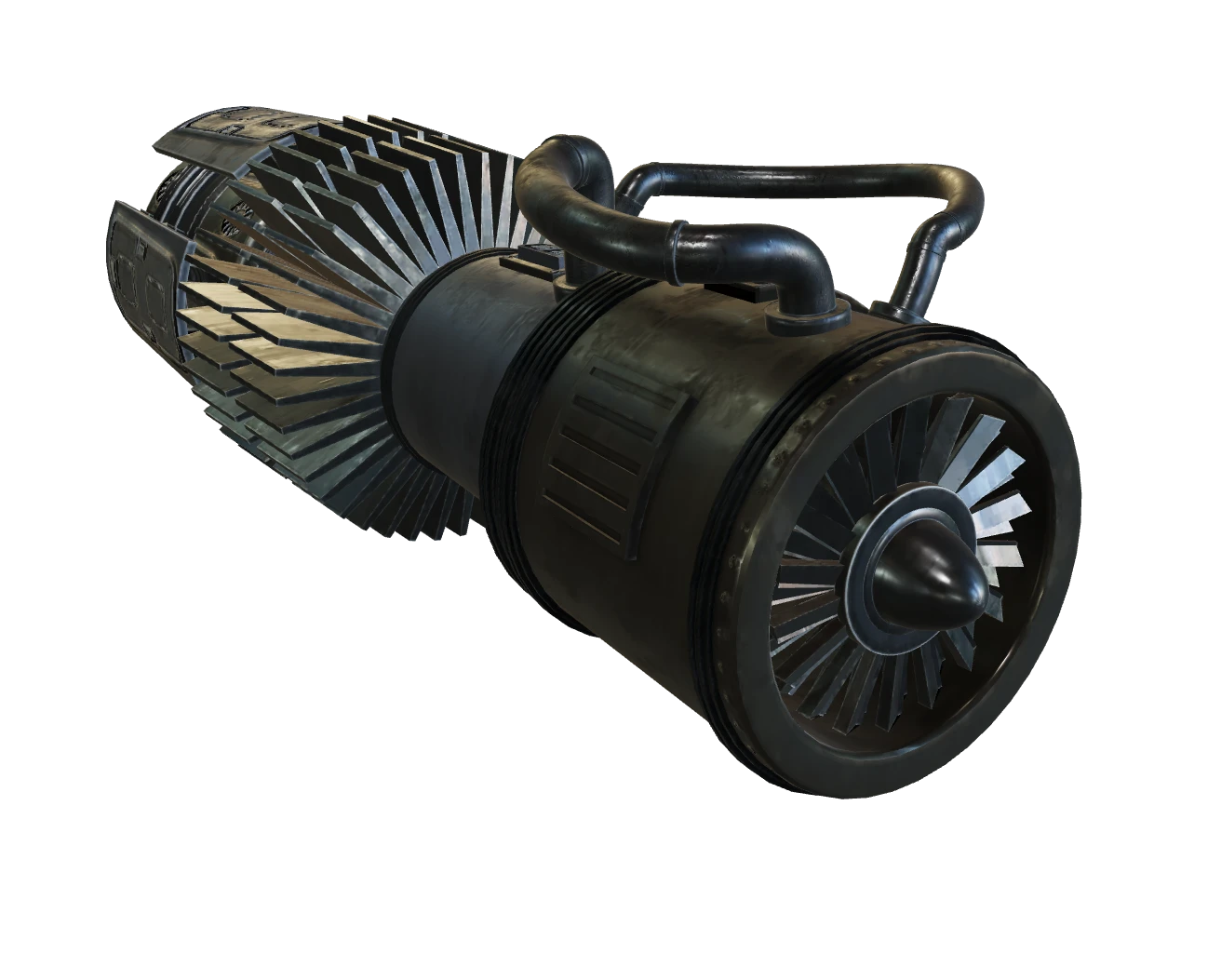 Turbofan Engine
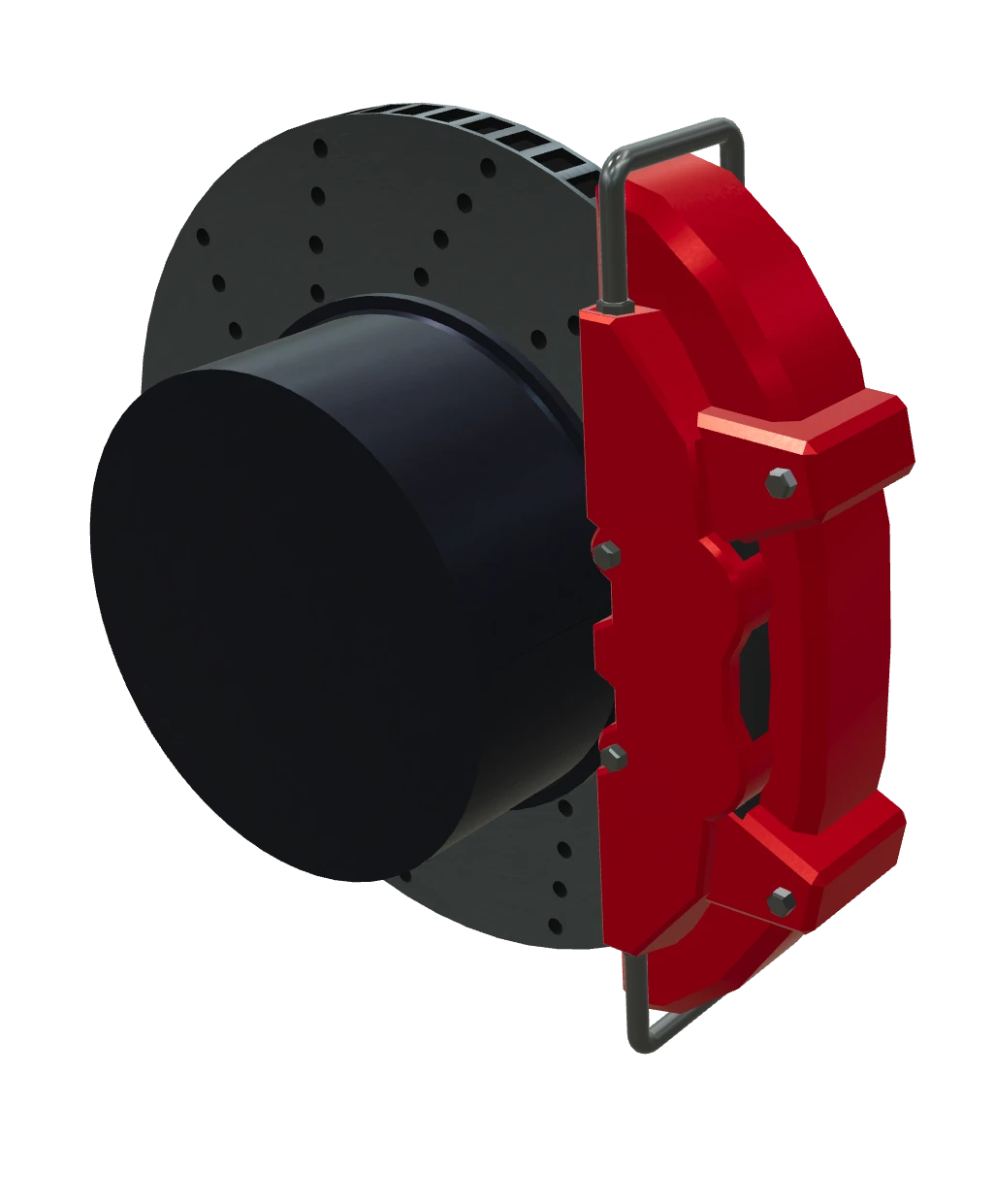 Ventilated Disc Brake
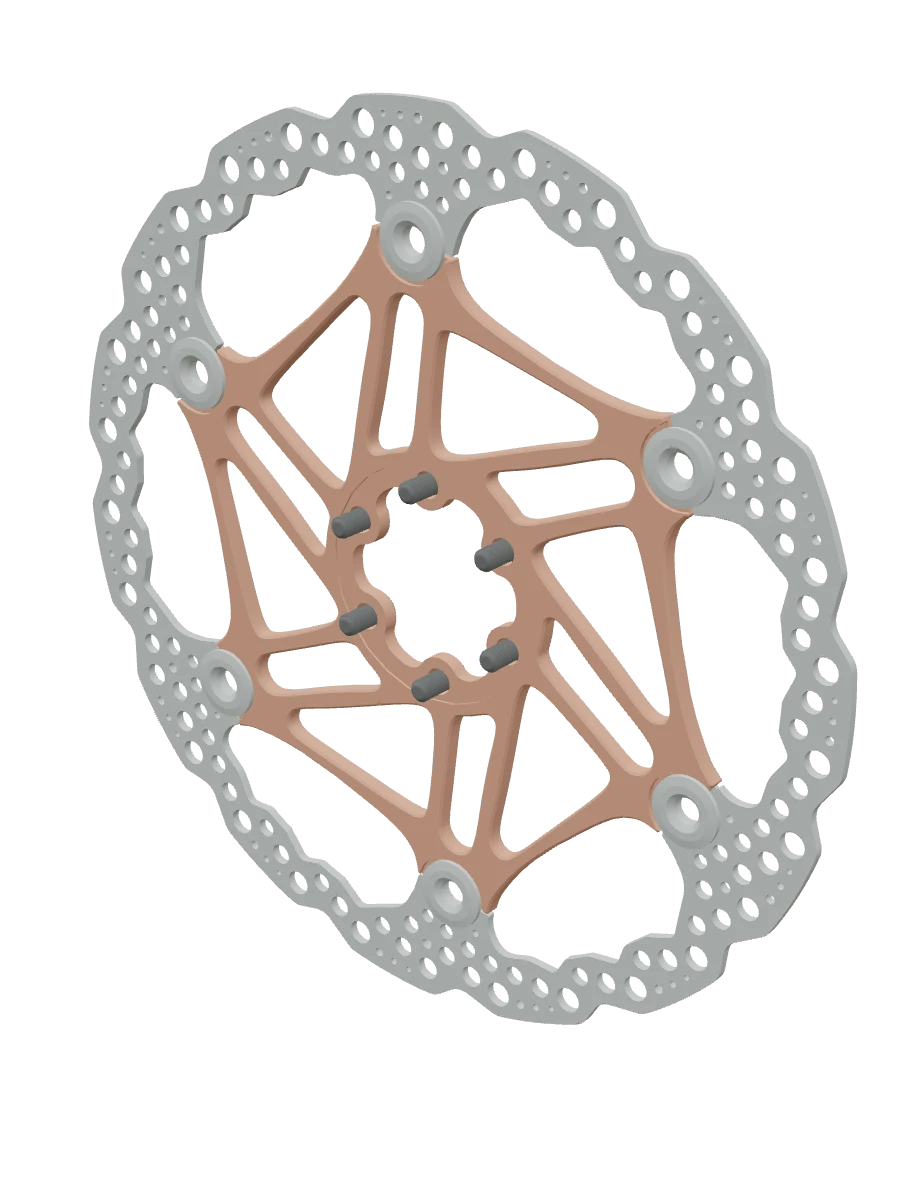 203 mm Floating Brake Rotor