ISO 2858 Centrifugal Pump Set
How does Ashmartisan turn a complex industrial product into a better customer experience?
Stage 01
Original CAD
We start from whatever engineering data you have: a STEP or native CAD export, a BIM object, drawings, or just photos of the product. No 3D model yet? We build it for you. Then we agree with your engineers which parts buyers need to understand.
In this demonstration
There is no customer CAD in this project. We modelled the pump from the ISO 2858 and IEC 60072 dimension tables, the same way we would work from your drawings or photos.
Source data used instead
- Standards
- ISO 2858 pump, IEC 60072 motor, EN 1092-1 PN16 flanges
- Sizes
- 13 sizes, 50-32-160 to 125-100-250
- Duty
- Up to 200 m³/h, up to 80 m head
- Speeds
- 2900 or 1450 rpm (50 Hz)
Stage 02
Optimised 3D
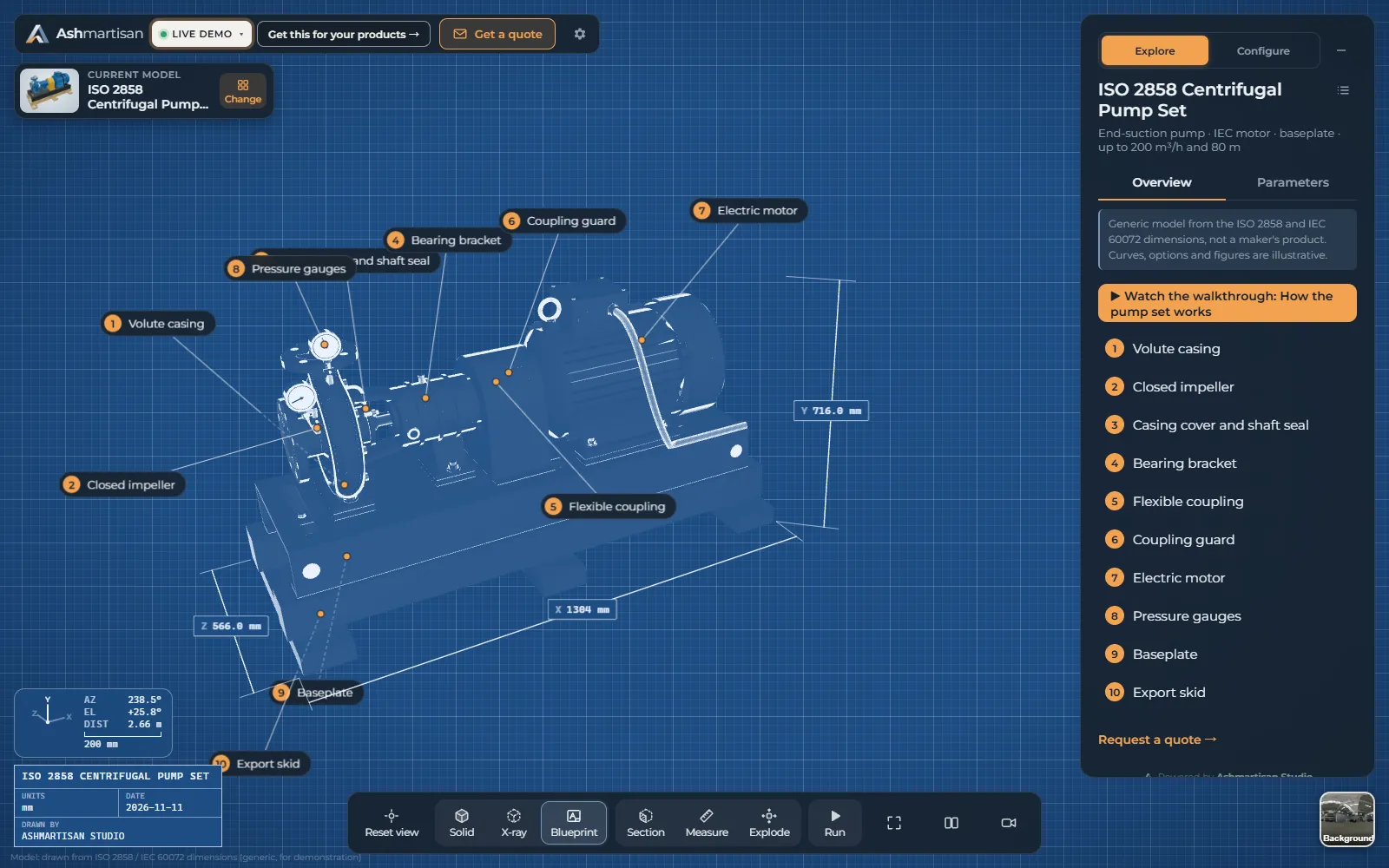
We rebuild the model for the real-time web: parts split and named, geometry compressed, materials set up for the browser. Only this display model reaches the browser, never your engineering files.
In this demonstration
The pump set as one web model: the same file the 3D booth at the top of our home page loads.
Web model, measured
- File
- 1.05 MB (glTF binary)
- Triangles
- ≈ 100,000
- Meshes
- 38
- Compression
- Meshopt geometry, quantised vertices, WebP textures
Stage 03
Interactive experience
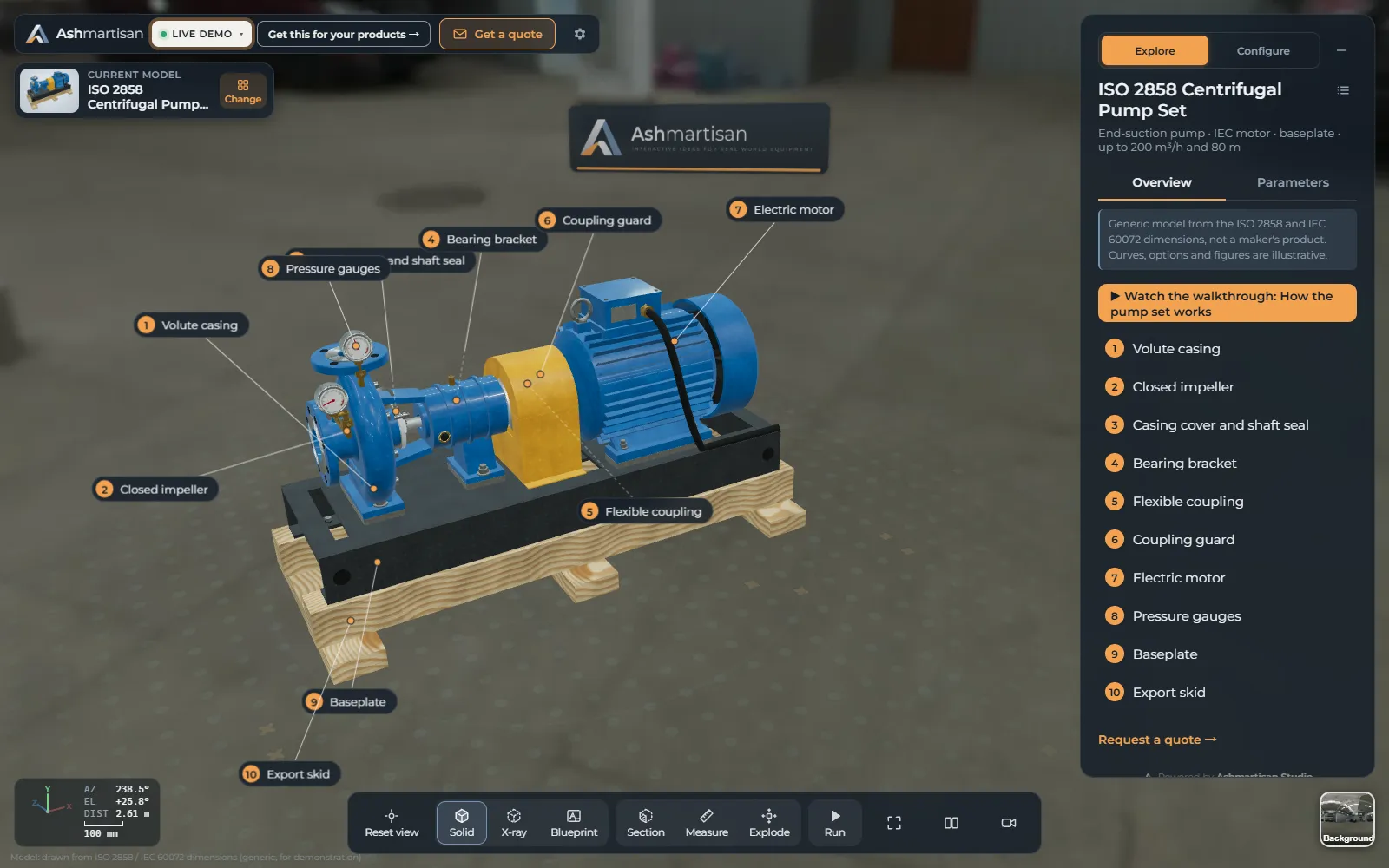
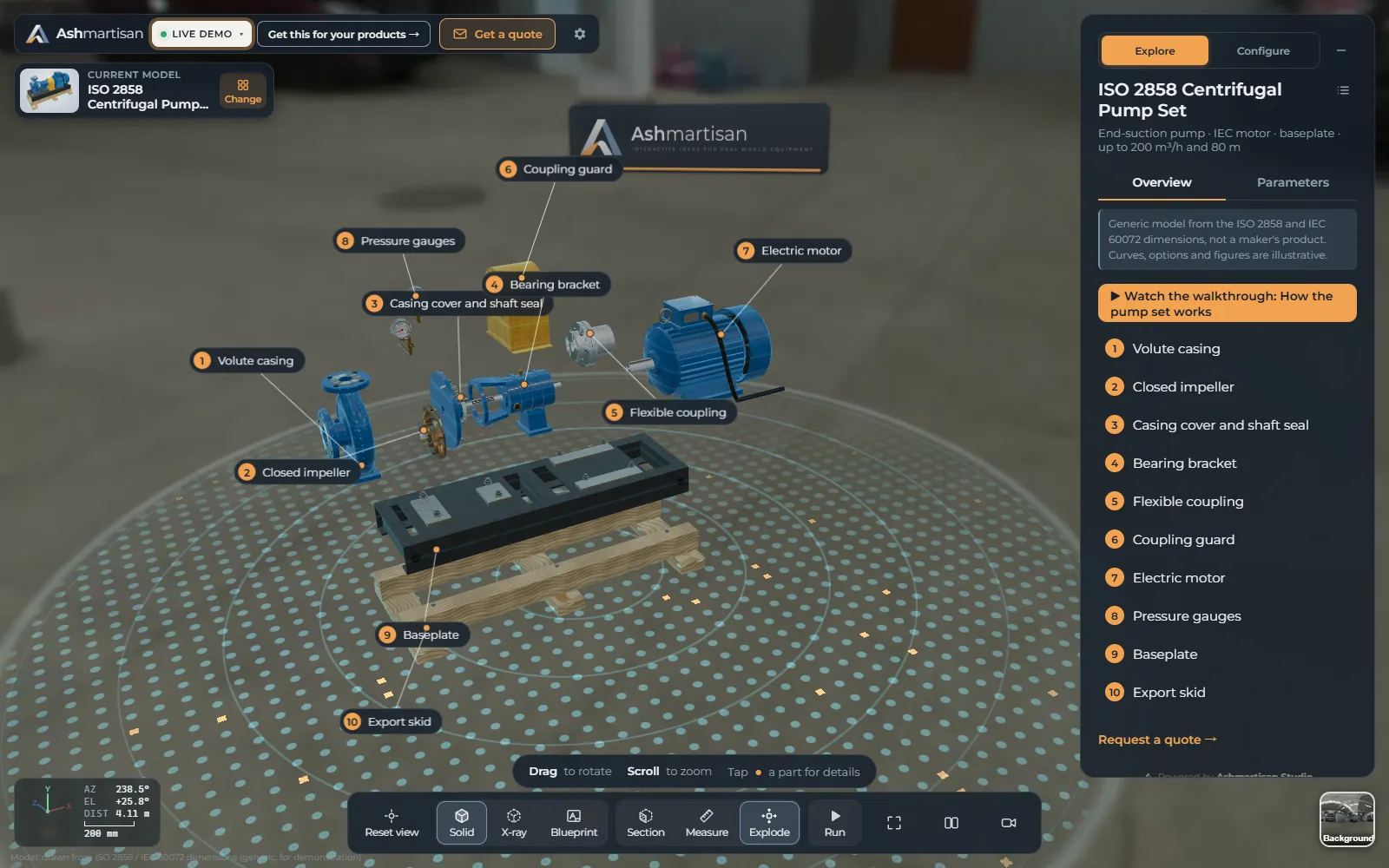
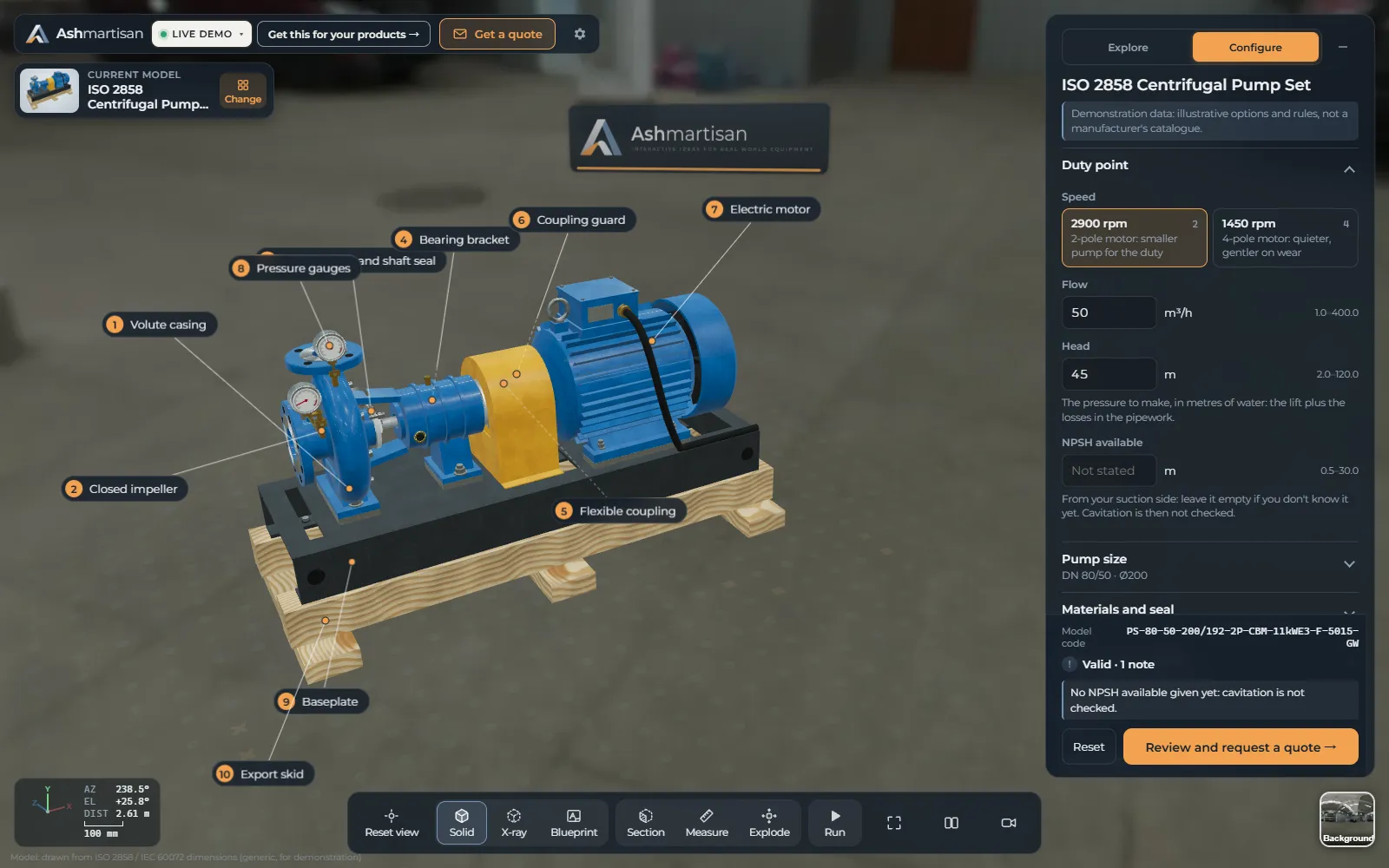
We turn the model into something buyers use: numbered parts with plain-language explanations, X-ray, section and exploded views, a guided walkthrough, and a configurator that only allows valid options.
In this demonstration
Showcase and Configurator on one model: buyers explore the pump, then configure one and request a quote.
What the live demo does
- Parts
- 10, numbered
- Views
- Solid, X-ray, Blueprint, Section, Exploded
- Walkthrough
- 8 steps: how the pump set works
- Configurator
- Valid options only, model code, quote request
Stage 04
Final delivery
One build goes where buyers meet the product: embedded on your product page, on a sales rep's laptop or tablet, and full screen on a trade-show stand, running offline.
In this demonstration
Not deployed for a client. Each delivery mode below opens this pump set live.
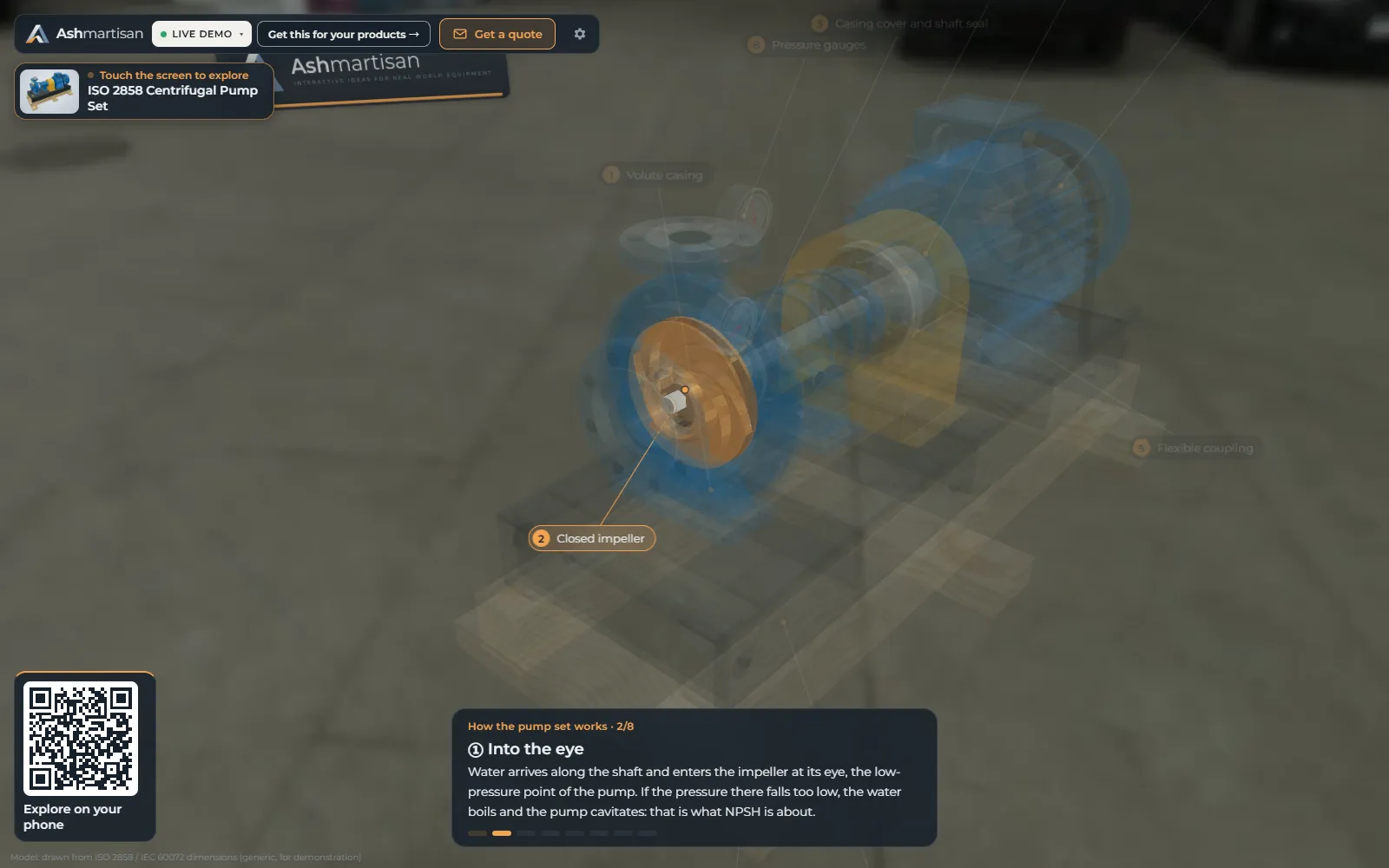
- Website Embedded in a product page Open live : Website Use case : Website
- Sales Full explainer on a laptop or tablet Open live : Sales Use case : Sales
- Exhibition Kiosk mode with attract loop Open live : Exhibition Use case : Exhibition
Want this for your product?
Tell us about one product you want buyers to understand. We'll show you what its interactive 3D could look like.