Presents by itself
When nobody is touching the screen it plays the walkthroughs and cycles through your products.
Trade-show stand
Big machines are hard to bring to a stand, and a looping video can't answer questions. Kiosk mode turns any touch screen into an interactive 3D display: it presents your products while the stand is busy and hands control to the first visitor who reaches out.
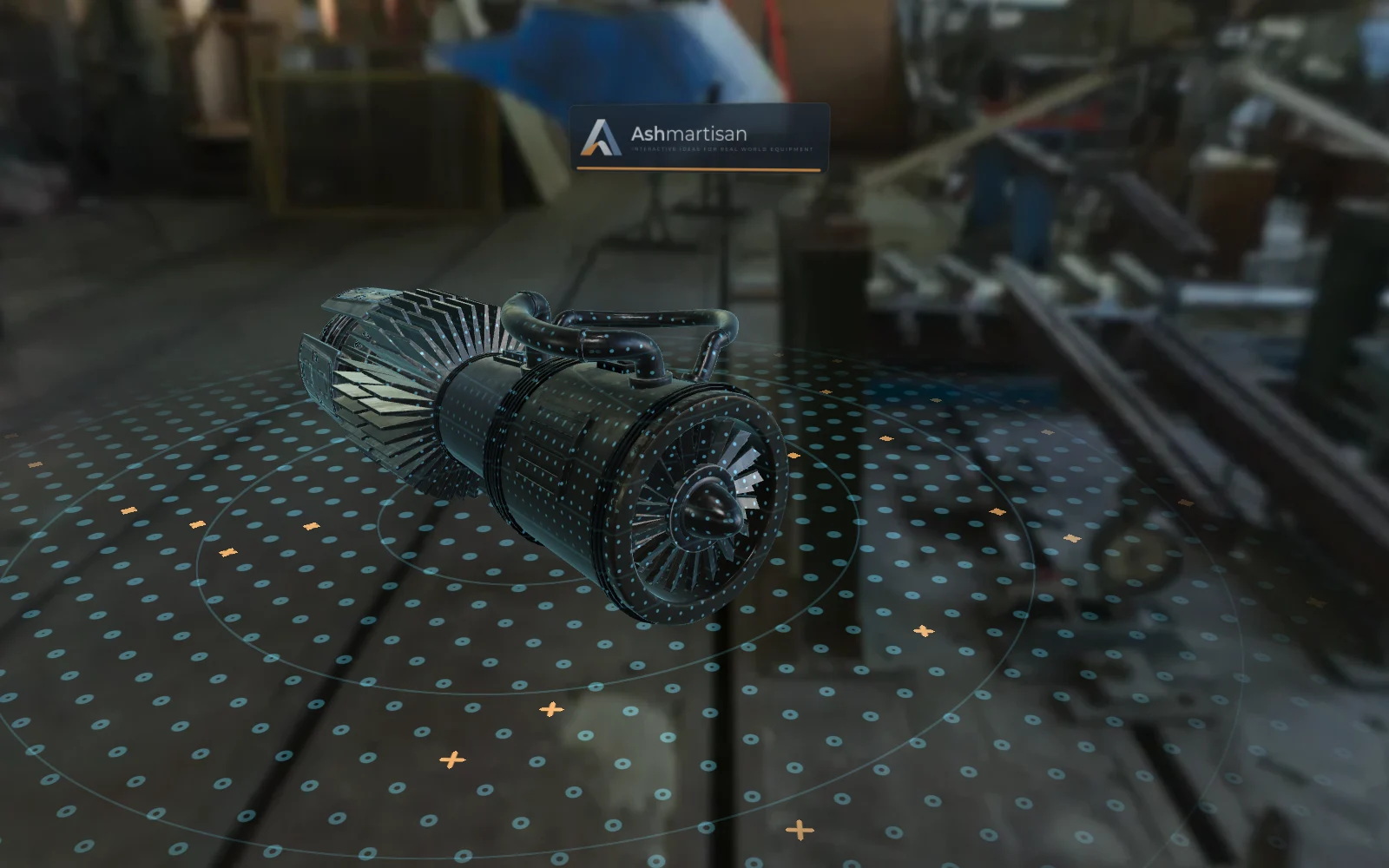
When nobody is touching the screen it plays the walkthroughs and cycles through your products.
A visitor taps the screen and is in control: parts, X-ray, exploded views. Walk away and the show starts again.
A QR code on screen opens the same product and part on the visitor's phone, with the brochure and a quote request.
From a tablet on a counter to a 4K touch screen, in portrait or landscape.
An offline build runs from the stand PC, with no dependence on the exhibition hall's Wi-Fi.
Name the show in the settings and every QR scan and enquiry is credited to it, so you can compare events.
Choose the products and walkthroughs for the show. The same build used on your website can be reused.
Open the explainer in kiosk mode on the stand PC or media player: one link, or the offline build.
Visitors who scanned the QR code arrive with the product they saw; their enquiries say which show they came from.
FAQ
A touch screen and a computer or media player with a modern browser. A mid-range PC with integrated graphics is usually enough.
No. An offline build runs locally; usage statistics are queued and sent when the connection comes back.
Visitors scan the QR code and continue on their own phone, where they can ask for a quote or the brochure.
Yes. It is the same explainer: kiosk mode is a setting, not a separate product.
Other ways to use it
Tell us what you make and where you want to show it. We'll show you the explainer with a product like yours.