Ashmartisan

Your existing website

Embed an interactive 3D product viewer in the pages you already have

You don't need a new website to show your products in 3D. The explainer goes into an existing product page as one block, next to your photos, price and buy button, with a single line of code.
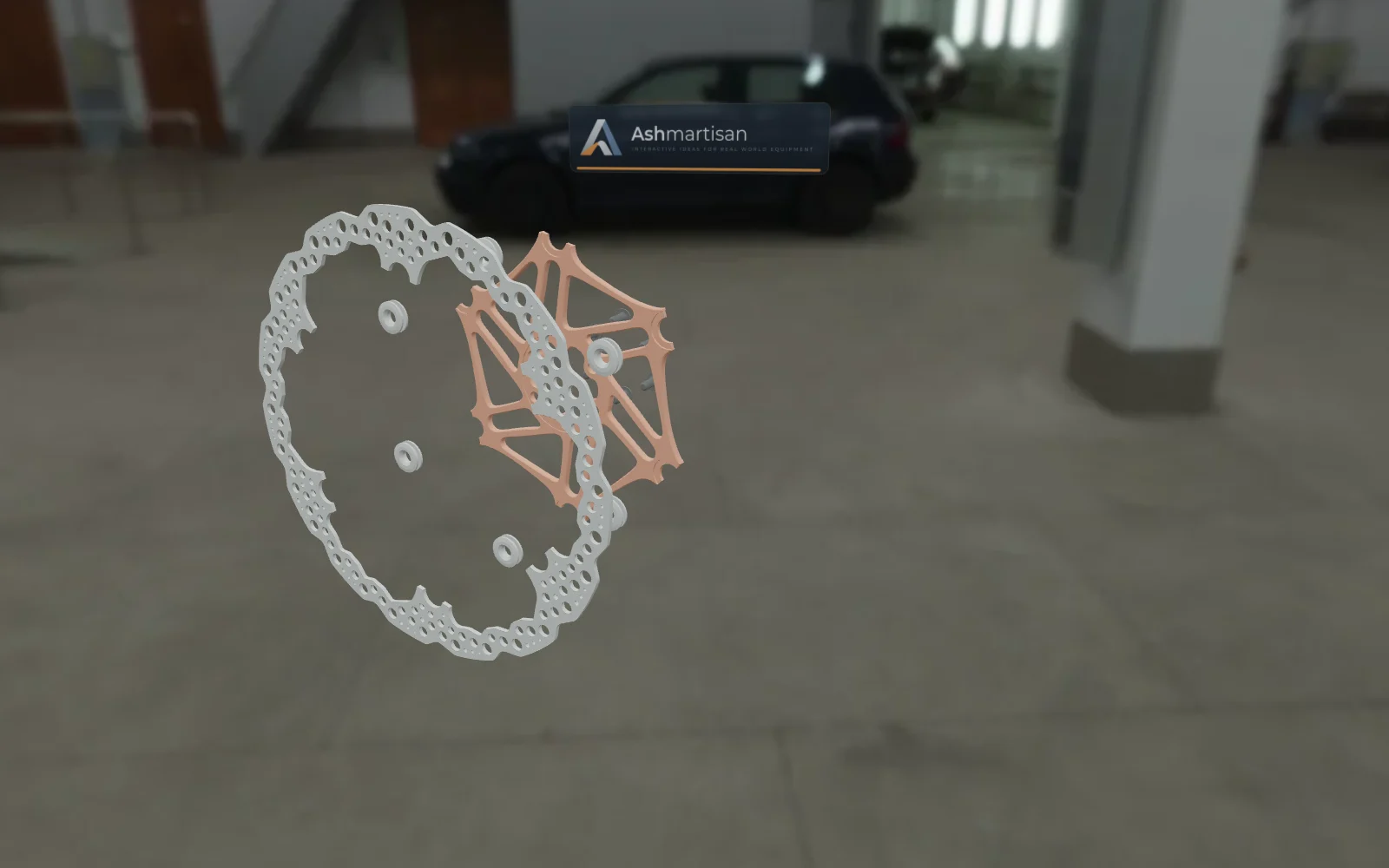
203 mm Floating Brake Rotor in the Exploded view of the Ashmartisan Interactive Equipment Explainer
203 mm Floating Brake Rotor · Exploded Demo breakdown →

Why it fits into an existing page

One line of code

An iframe snippet works in Shopify, WordPress, Webflow and any CMS that accepts embedded content.

Your page stays fast

Nothing heavy loads until the visitor clicks "View in 3D", and page scrolling passes over the block until then.

Fits the block it's in

The layout adapts to the space it is given, from a wide product gallery to a phone screen, with a full-screen button.

The full explainer inside

Parts, X-ray and exploded views, walkthroughs and a quote request, all inside the block.

Your brand

Your colours and your contact details: the embed carries no studio branding of its own.

Know where enquiries come from

Quote requests sent from the embed are marked as such, so you know which pages bring buyers.

Adding it to a product page

  1. 1

    We build the explainer

    From your product model, with the parts and walkthroughs that matter to your buyers.

  2. 2

    You paste one line

    Copy the iframe snippet into the product page, next to the photos.

  3. 3

    Buyers explore

    Visitors open the 3D view when they want it and ask for a quote from inside it.

A good fit for

  • Online shops selling technical parts
  • Product catalogues on WordPress or Shopify
  • Distributors' websites showing your range
  • Landing pages for a product launch
  • Support and documentation pages

FAQ

What people usually ask.

Will it slow down our product pages?

No. The page only loads a light placeholder; the 3D model loads when the visitor clicks it.

Does it work on phones?

Yes. Give the block a taller shape on phone layouts and it switches to its phone layout, with full screen available.

Which website builders are supported?

Any that lets you add an iframe or custom HTML: Shopify, WordPress, Webflow, Squarespace, Wix and most CMSs.

Can several products share one embed?

Each product has its own link. One project can cover your whole range, each product embedded on its own page.

Showcase. Configurator. Support. Three product lines on one 3D platform. Start with the one you need: each can be bought on its own or bundled with the others.

Available

Showcase The interactive 3D explainer: buyers click parts, look inside, take the product apart and watch it run. Website, sales and trade show are where Showcase runs, all from one build.

Interactive Equipment Explainer

ExploreUnderstand

  • Embedded in the website pages you have
  • Sales presentations on a laptop or tablet
  • Trade-show screens in kiosk mode, offline
New

Configurator Buyers choose from the options you actually offer. Rules check every combination, and a structured request for quotation reaches your sales team. Live examples: an ISO 15552 pneumatic cylinder and an ISO 2858 pump set. The demo shows what sales would receive and sends nothing.

Configure & request a quote

Configure

  • Only valid options, checked by your rules
  • A model code built from the choices
  • A complete RFQ instead of a vague enquiry
In discovery

Support After the sale: helping customers and technicians identify the right spare part from the 3D model. Not a finished product yet. Shaped with manufacturers who need it. Tell us how after-sales enquiries reach you today.

Parts & after-sales

Other ways to use it

Have a machine that's hard to explain?

Tell us what you make and where you want to show it. We'll show you the explainer with a product like yours.