Click a part, learn what it does
Numbered parts open a short explanation and the specifications that matter, with the camera moving to the part.
Website · sales tablet
Buyers don't read spec sheets the way engineers write them. An interactive 3D explainer lets them click a part to see what it does, look inside the housing, take the product apart and watch it run, on your product page or on a sales rep's tablet.
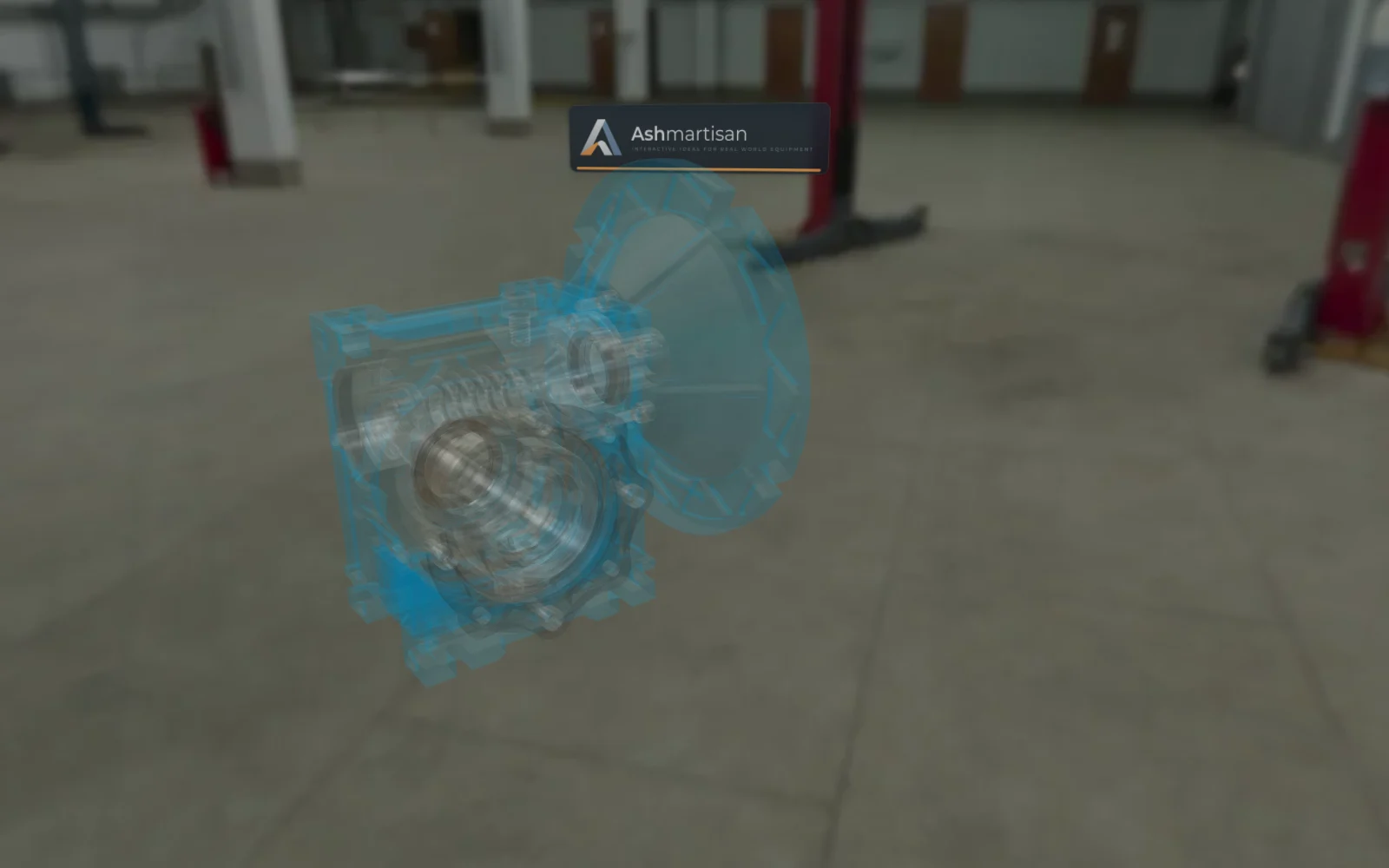
Numbered parts open a short explanation and the specifications that matter, with the camera moving to the part.
X-ray, section and blueprint views show the internals without a cut-away drawing.
Exploded views and step-by-step assembly show how the parts fit and in which order.
Guided walkthroughs animate the working principle, one step at a time, with captions.
Operating parameters respond live, so buyers see what speed, pressure or ratio change.
"Get a quote" sends your sales team what the buyer looked at, so the first reply can be specific.
We start from your CAD export or product model and prepare it for the browser: light enough for phones, detailed where it matters.
Together we decide which parts to explain, which walkthroughs to animate and which numbers buyers should be able to change.
The same build goes on your website, on sales tablets and, if you want, on your trade-show screen.
FAQ
Nothing. The explainer runs in any modern browser on phones, tablets and computers.
Yes. An export from your CAD system (STEP, or a mesh format such as OBJ, FBX or glTF) is the usual starting point. We simplify it for the web and keep the parts you want to explain.
Yes. It is multilingual, Spanish and more: adding a language means adding text, not code.
Your sales team, by email or through the form service you already use, together with a summary of what the buyer looked at.
Other ways to use it
Tell us what you make and where you want to show it. We'll show you the explainer with a product like yours.